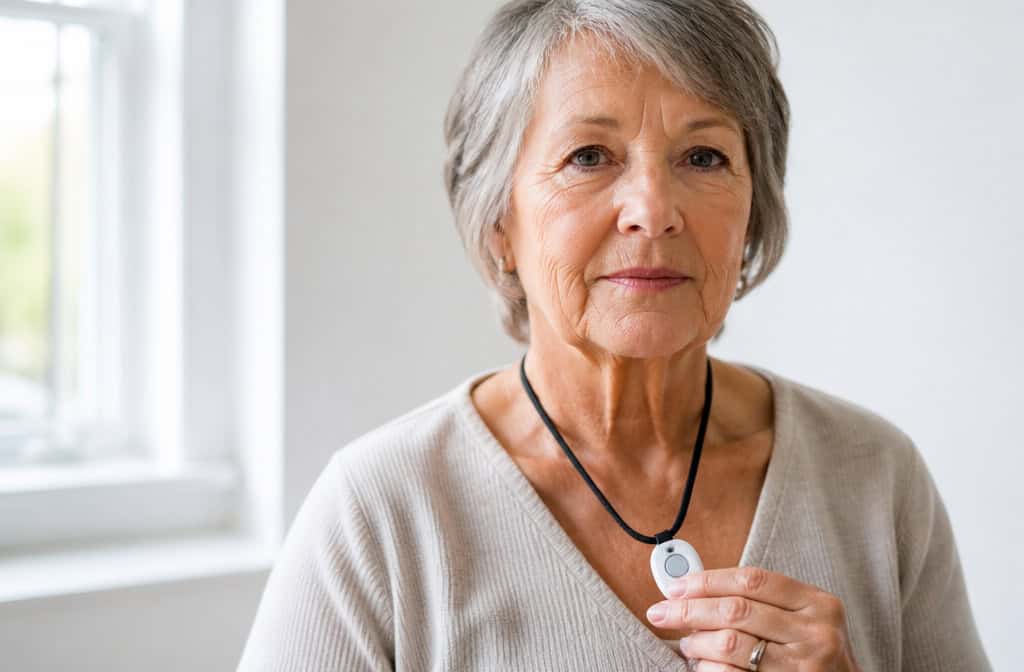
You’re searching for medical alerts for your parent, the monthly fees are making you wince, and then you spot it: no monthly fee. Zero. Just buy the device and you’re done.
I’ve been down this exact rabbit hole with my own mom, and I learned that unmonitored medical alert systems are a real category with real trade-offs. They’re not a cheaper version of monitored systems. They’re a completely different thing.
Key Takeaways
Unmonitored systems cost $59–$450 upfront with no monthly bill, but you become the first responder—pressing the button calls 911 or your contacts directly, with no call center in between.
The critical safety gap is location: 911 operators in most of the US cannot pinpoint a cell phone’s location, so if you fall and can’t speak, they won’t know where you are.
SkyAngel 911 FD at $179.77 is the standout no-fee option because it includes fall detection, but it still cannot share your location with 911 if you are unconscious.
Table of Contents
What are unmonitored medical alert systems?
You pay upfront for the equipment, and when you press the button, it calls 911 or your pre-set contacts. That’s it — no call center, no middleman. You’re talking directly to a dispatcher or your daughter, rather than a trained monitoring agent who has your mom’s medical history on file.
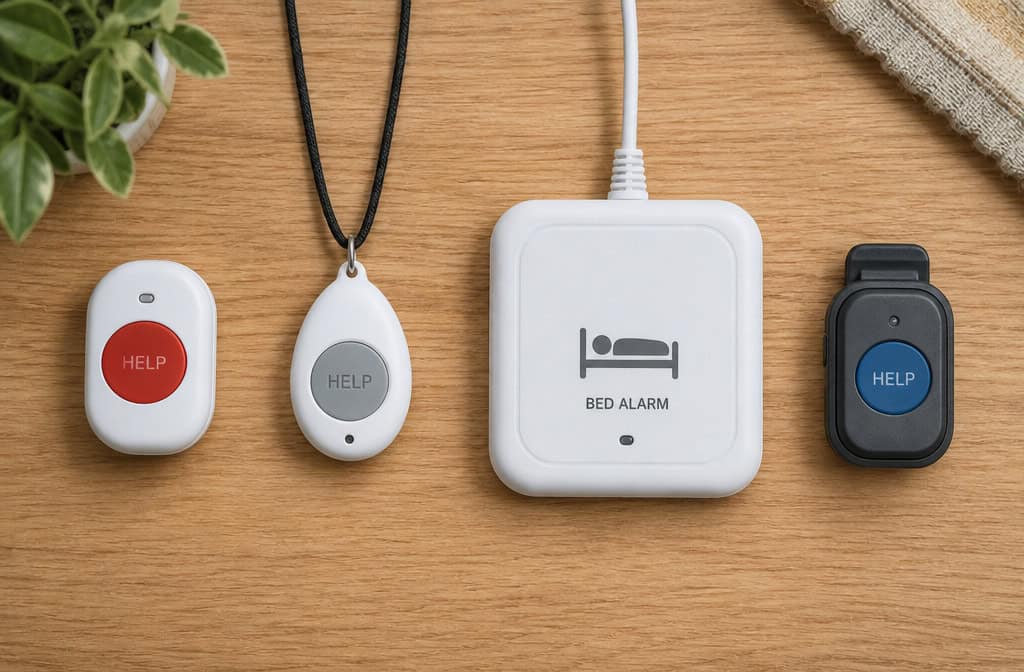
Some of these devices are bed alarms that alert someone in the house when Grandma gets up in the middle of the night. Others are small Bluetooth buttons that pair with a smartphone. A few are standalone cellular devices that work completely on their own.
Standalone vs. smartphone-dependent models
Standalone devices like the SkyAngel 911 FD or LogicMark work without a phone. You charge them, and they use their own cellular connection. If your parent doesn’t carry a smartphone, this is the option that makes sense.
Bluetooth models like the Silent Beacon need to be paired with a smartphone and stay within about 30 feet of it. That’s not a whole-house solution. That’s a one-room solution. For an older adult who doesn’t live with their phone glued to their hand, that’s a dealbreaker.
How do unmonitored systems compare to monitored ones?
When you pay $20–$60 a month for a monitored system, you’re buying a trained agent who answers when you press the button. They have your parent’s medical history, medications, and allergies on file. They can see the GPS location of the device and coordinate with 911.
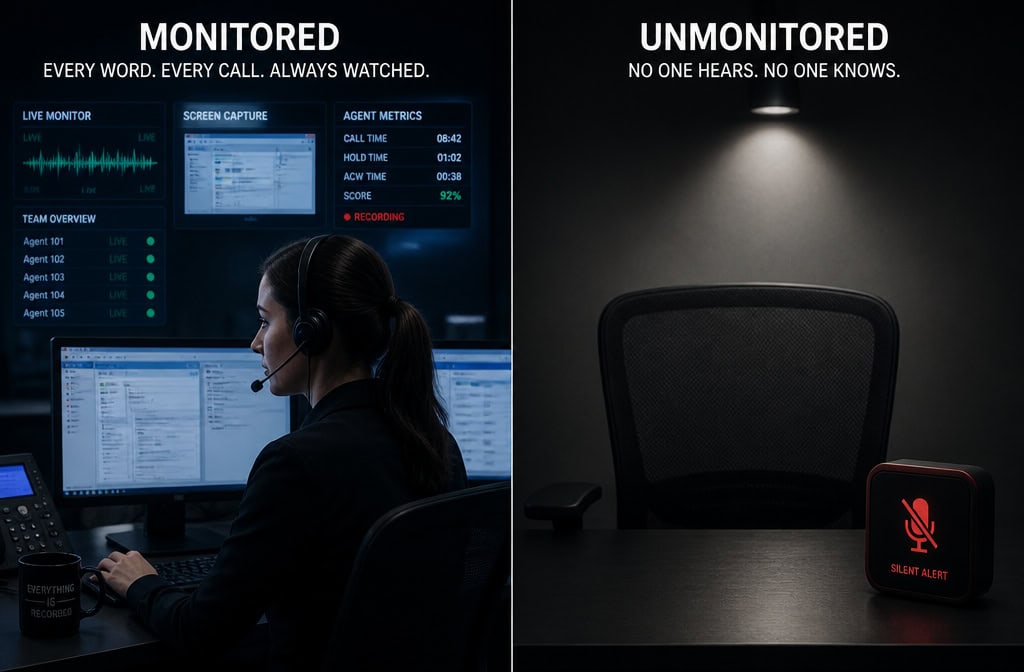
An unmonitored system has none of that.
Bottom line: With an unmonitored system, you become the emergency response chain — there’s no backup if you miss the call or the battery dies.
The location problem
Most 911 operators in the US cannot identify a cell phone’s current location. If your parent presses the button and can’t speak, the dispatcher has no idea where they are. Monitored systems solve this because their agents see the GPS location and can relay it to 911. An unmonitored system can’t do that.
Medical history and fall detection
When you call 911 directly, the operator knows nothing about your parent—not their medications, not their allergies, not their conditions. A monitored system has that on file. And while some unmonitored devices include fall detection, it’s rare. Most don’t have it.
Redundancy and backup
Monitored companies run at least two call centers in different parts of the country. If one goes down, the other takes over. With an unmonitored system, if the device dies or gets lost, there’s no one checking in. No one pings the device to see if it’s working. No one notices anything is wrong.
The top unmonitored systems and their real trade-offs
Let’s get specific. These are the devices that exist, with their flaws.
Silent Beacon ($59.99)
The Silent Beacon is cheap and tiny—you can clip it to a belt or keychain. Press the button and it calls 911 and up to seven contacts simultaneously. It’s been around since 2013, so it’s not a fly-by-night operation.
But here’s the catch: it’s Bluetooth only. It needs to be paired with your smartphone and stay within about 30 feet of it, despite the 180-foot range they claim. There’s no fall detection. The free app only lets you add one contact, and during testing, the pairing instructions didn’t match what the app actually showed. If your parent doesn’t carry a phone, this isn’t going to work.
LogicMark ($199–$450)
LogicMark makes plug-and-play in-home systems. No smartphone required. You plug it in and you’re set. The Guardian Alert 911 Plus uses 4G LTE cellular, so it doesn’t need a landline or WiFi. You can buy them at Walmart or Amazon.
The trade-offs? The pendant is bulky—think small walkie-talkie, not jewelry. The base model only calls 911, not family members, and it doesn’t have fall detection. One tester’s unit arrived in a used box. If your parent is embarrassed about wearing a medical alert, this one will draw attention; for a practical guide on how to find a lost medical alert device, that bulk can actually make it easier to spot in a couch cushion or a coat pocket.
SkyAngel 911 FD ($179.77) — the standout
This is the closest thing to a monitored system without the monthly fee. It’s a standalone cellular device, so there’s no phone pairing, no landline needed. Just charge it and go. It has automatic fall detection—the sensor that calls for help even if you can’t press the button—and in testing, it held up against big-name monitored systems like Lively and Bay Alarm.
For an honest look at how these subscription-free options compare, see our reviews of medical alert systems for seniors without monthly fees, which explain their range limitations and practical strategies for finding a lost unit without ongoing monitoring support. You can talk to 911 directly through the device, two-way communication.
The catch: if you fall and can’t talk, 911 still cannot locate you. The device can’t tell the dispatcher where you are. That’s a risk, and you need to be honest about it before you buy.
FastHelp ($149) — the budget miss
FastHelp has built-in cellular and no monthly fee, which sounds great. But it has no fall detection, and the audio quality was so bad during testing that the user and the 911 operator could barely hear each other. In an emergency, that’s not a risk worth taking to save a few dollars.
The honest conversation about safety risks
If your parent falls and can’t press the button or speak, an unmonitored system can’t help them. A monitored operator can see the GPS location and send help even if there’s no response. An unmonitored system sits there.
If someone lies on the floor for 72 hours or more after a fall, their mortality risk goes up by 67%. That number is from real research, and it’s why response time matters so much.
With a monitored system, the company notices if your device stops checking in. With an unmonitored one, nobody knows if the battery died or the device got lost. You’re on your own. Bluetooth models are limited to about 30 feet, and most on-the-go devices have a battery life of one to five days.
Who should actually use an unmonitored system
Unmonitored systems aren’t bad. They’re for a specific situation.
Good candidates
If your parent is mostly homebound, has a low fall risk, and usually has someone nearby, an unmonitored system can work. It’s a 911 shortcut. They’re also good for budget-conscious families who are comfortable with simple technology and understand the limitations going in.
Who should avoid them
If your parent has dementia, Parkinson’s, diabetes, COPD, or vision loss, or takes medications that cause dizziness, an unmonitored system may not provide enough safety. Same if they’ve had a previous fall, are 80 or older, live alone, or don’t have a caregiver nearby. If they need fall detection or GPS tracking, you need to pay for monitoring.
The real cost picture
Let’s talk money.
Unmonitored systems run $59–$450 upfront, and that’s it. Over two years, that’s your total. Monitored systems typically have $0–$200 in equipment costs plus $20–$60 per month, which adds up to $480–$1,460 over two years. Fall detection on a monitored system adds another $8–$12 per month.
But here’s a useful way to think about it: the SkyAngel with fall detection costs $179.77. That’s about six months of monitored service. If your parent only needs it for a short time, that math works.
As for insurance: Medicare Part A and B don’t cover these. Some Medicare Advantage (Part C) plans do, so it’s worth checking. You can use FSA or HSA funds, which is handy if you have one. And veterans can get a system free through the VA.
Cost check: At $179.77, the SkyAngel pays for itself in roughly six months compared to a $30/month monitored plan — but you’re trading dollars for response-time safety.
Setup and what to do when you lose the device
Setup is easy: three to five steps, no tools required. Charge it, pair it if it’s Bluetooth, register your contacts, and test it. Mobile devices need about four hours for the initial charge. Most help buttons are water-resistant, not waterproof—fine for the shower, not for swimming.
When you lose the device, you’re on your own. There’s no monitoring center to ping it. With a monitored system, they can help locate it. Without one, you’re hunting blind.
If the device is Bluetooth, you can try a Bluetooth range-finder app to at least narrow down the search. Retrace steps: bathroom, bedroom, garage, under furniture, between couch cushions. The best strategy is prevention—a clip or lanyard that your parent actually wears makes the device much harder to lose.
Key features checklist
Here’s what matters when you’re comparing any system:
Fall detection. More than one in four older adults falls each year. No system’s fall detection is 100% accurate, and wrist-worn models are less reliable than neck pendants or belt clips. The SkyAngel is the only unmonitored system that did this well in testing.
Battery life. On-the-go devices generally last one to five days. The LifeFone is the champ at ten days, but that’s a monitored system. With unmonitored, you’re responsible for remembering to charge it.
Range. In-home systems vary from 200 to 1,400 feet. If your parent has a big house or spends time in the garden, this matters. Bluetooth models are the exception—those are limited to about 30 feet, and they’re not worth it for most seniors.
| Feature | Silent Beacon | LogicMark | SkyAngel 911 FD | FastHelp |
|---|---|---|---|---|
| Monthly fee | $0 | $0 | $0 | $0 |
| Equipment cost | $59.99 | $199–$450 | $179.77 | $149 |
| Monitoring type | Bluetooth + phone | Standalone cellular/landline | Standalone cellular | Standalone cellular |
| Fall detection | No | No | Yes | No |
| GPS tracking | Via phone | No | No | No |
| Location sharing with 911 | No | No | No | No |
| Two-way voice | Via phone | Yes | Yes | Poor audio |
| Battery life | Limited | Plug-in | Days | Limited |
| Range | ~30 ft | In-home | Cellular | Cellular |
So, what should you do?
If your parent is low-risk, homebound, and budget-conscious, the SkyAngel 911 FD at $179.77 is a solid choice. It’s the only unmonitored system that comes close to offering the safety net you actually want.
But if there’s any real fall risk, or your parent lives alone, the $25–$50 a month for a monitored system provides peace of mind that justifies the cost. That’s the money you’re paying for someone who knows where your parent is, knows their medical history, and can send help even if they can’t ask for it.
If you do go the unmonitored route, take the time to learn how to find a lost medical alert device before you need it. It’s one of those practical things that saves you from a panic later.
People Also Ask
What are the worst medical alert systems?
The worst systems are those that fail when you need them most. Among unmonitored options, the FastHelp is a standout miss — it has no fall detection and the audio quality was so poor during testing that the user and 911 operator could barely hear each other. Bluetooth-only models like the Silent Beacon are also risky if your parent doesn’t carry a smartphone everywhere.
How does an unmonitored medical alert system work?
You pay upfront for the device, and when you press the button, it calls 911 or your pre-set contacts directly — no call center, no middleman. Some models are standalone cellular devices that work without a phone, while others are Bluetooth buttons that must stay within about 30 feet of a paired smartphone.
Is an unmonitored medical alert system worth it?
It depends on the user. For a low-risk, homebound older adult who usually has someone nearby, an unmonitored system like the SkyAngel 911 FD can be a solid $179.77 investment with no monthly fees. But if there’s any real fall risk, the person lives alone, or they have conditions like dementia or Parkinson’s, the $25–$50 per month for a monitored system provides location tracking and a trained operator — which can be life-saving.
What’s the difference between monitored and unmonitored medical alert systems?
Monitored systems have a call center with trained agents who answer when you press the button, have your medical history on file, can see your GPS location, and can coordinate with 911. Unmonitored systems call 911 or your contacts directly with no middleman — meaning no one has your medical history, and 911 operators in most of the US cannot pinpoint your cell phone’s location if you can’t speak.