
My teenager asked me last week whether she could turn off location sharing for a while, and I realized I didn’t have a good answer. Not because I’m opposed, but because the app we were using didn’t really offer a temporary option like that. It had on, and it had off, and off meant the whole family got a notification that something had changed.
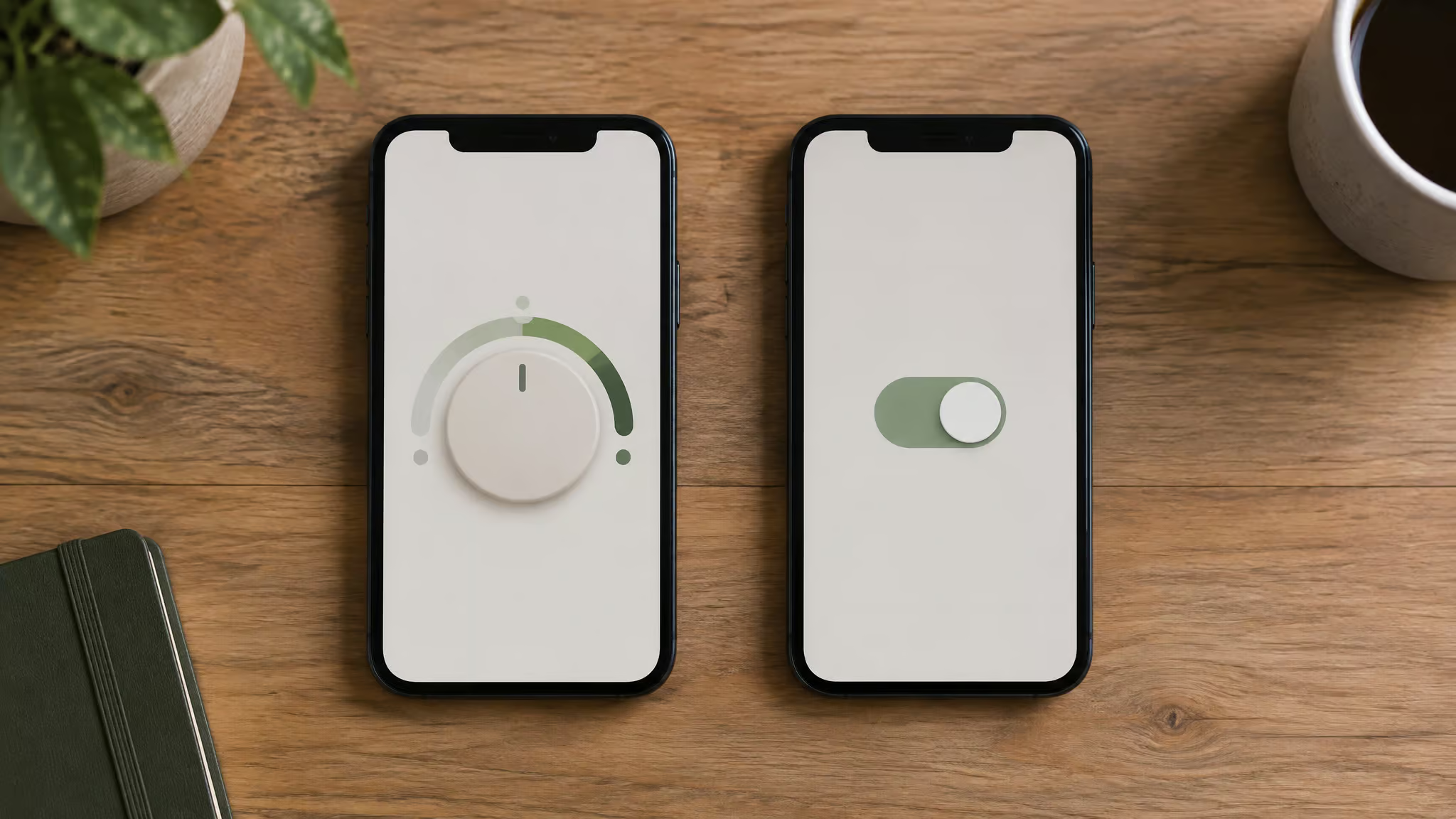
That moment is the actual decision you’re making between HeyPolo and Life360. Not which app has more features or a prettier map. The question underneath everything else is: what happens when a family member wants to share less? HeyPolo is built on the idea that everyone consents to what’s shared and can dial it back anytime.
Life360 is built on the opposite premise, tracking is always on by default, because that’s what powers its safety features. Both are legitimate designs. They just answer the trust question differently, and your family should pick the one that matches how you actually talk to each other.
Key Takeaways
The real split is what happens when someone wants to share less. HeyPolo lets a family member drop to a general area, private mode, a timed session, or a per-person exception without notifying the group. Life360 is largely all-or-nothing; turning location off or logging out flags the Circle.
HeyPolo says it does not sell, share, or monetize location data. Life360 still collects location even with Circle sharing off (for emergency services and/or ads), asks for more permissions up front, and has had breaches involving real-time whereabouts.
Pick Life360 if you want mature always-on crash detection, driving reports, and emergency response. Pick HeyPolo if consent and a quiet dial-back matter more than the driving layer. Set the family rules before you install either app.
Table of Contents
HeyPolo vs Life360 at a Glance
| HeyPolo | Life360 | |
|---|---|---|
| Tracking style | Consent-based: each member chooses what, when, and how precisely to share | Always-on by default; sharing is largely all-or-nothing |
| Sharing less | Switch to general area or private mode without flagging the group | Disabling location or logging out notifies other members |
| Privacy/data | Says it doesn’t sell, share, or monetize location data, and says it never will | Collects location even with Circle sharing off (for emergency services and/or location-based advertising); has had breaches involving real-time whereabouts data |
| Features | Scheduled/timed sharing, per-person exceptions, low-battery alerts, in-app messaging | No-show alerts, free basic sharing between friends, Tile tracker integration, Bubble feature |
| Driving safety | Accident detection and weekly driving reports still rolling out | Mature driving layer: crash detection, driving reports, emergency response |
| Pricing | Paid app with a 30-day money-back guarantee | Genuinely useful free tier for casual sharing |
| Ease of use | Five permissions at install | Bigger ask: precise location at all times, physical activity, notifications, Bluetooth |
| Best for | Families who want consent built into the model | Families prioritizing comprehensive always-on safety and driving features |
What Happens When Someone Wants to Share Less
This is where the two apps part ways, and it’s worth understanding in detail before you install either one.
On HeyPolo, sharing is a choice you make each time. Everyone in the family group consents, and each person picks what to share, when, and how precisely, think of it like choosing who sees your Instagram stories, but for location. There’s no default always-on monitoring and no one-sided tracking. When your teen wants to share less, she has real options: exact location, a general area, or private mode.
She can also set exceptions per person, say, sharing exact location with you but a general area with everyone else in the group. And she can set timed sessions: share for the next hour, then stop. Nobody else gets flagged when she does it.
On Life360, sharing is largely all-or-nothing. There are no scheduled or timed tracking sessions, you can’t say “share for the next hour” the way HeyPolo lets you. If your teen disables location or logs out, other members in the Circle get notified. The Bubble feature broadens things a bit, but the Circle still sees Bubble status, so it’s a partial step, not a real dial-back.
Field note: If your teen can’t pause sharing without the whole group finding out, expect the app itself to become the argument.
Here’s the pattern worth naming honestly, because it’s not about any one family: a teen discovers she can’t pause the app without flagging the whole group. The friction starts. She resents the app, the parent resents the pushback, and the safety purpose the app was installed for quietly erodes. Round-the-clock exact-location sharing with no dial-back can erode trust, especially with teenagers, and once trust erodes, the tracking stops doing what it was supposed to do. An app that lets a family member share less without turning it into an event keeps the safety net intact and keeps the relationship intact.
None of this makes Life360 malicious. Its always-on model is a deliberate safety tradeoff, and for some families it’s the right one. But you should walk in knowing it’s a tradeoff.
What Each App Does With Your Location Data
HeyPolo’s pitch is straightforward: it doesn’t sell or share your location data, and it says it never will. Geolocation, trip history, and movement data never go to marketing or analytics partners. In plain terms: your kid’s route home isn’t for sale. That’s a company statement, not an independent audit, but it’s a clear one, and permission lists are where trust starts. HeyPolo asks for five permissions at install, which is a modest ask (a fuller rundown appears in our complete HeyPolo guide).
Life360’s picture is more complicated. The detail that surprises most people: even with Circle sharing turned off, Life360 still collects location for emergency services and/or location-based advertising. The company has scaled back some data-sharing practices since its earlier days, and it’s fair to say so, this isn’t a hit piece. But data breaches involving real-time whereabouts data have happened, and that’s a fact parents weighing their kids’ location data should have on the table.
Life360 also doesn’t alert users when someone views their location, neither app does, actually. And its opt-out options are inconsistent: what’s available on the web doesn’t always match what’s claimed in the app.
Red flag: Location collection continues even when Circle sharing is off, and web opt-outs don’t always match what the app claims.
One more practical note: unsupported devices can put accounts and data at risk on either platform, so check compatibility before you commit.
Features Beyond the Map
Life360’s breadth is real. It sends no-show alerts when someone doesn’t arrive where expected. It offers free basic location sharing between friends, genuinely useful if you’re a group of friends coordinating on a budget, and worth giving its due before the privacy tradeoffs. It integrates with Tile trackers, so the same app can find your keys and wallet.
And it asks for broad always-on permissions up front: precise location at all times, physical activity, notifications, Bluetooth. That permission list is a window into the model. Life360 wants a lot from the start because always-on is the whole point.
HeyPolo’s feature set is built around consent. Timed sharing sessions, per-person precision settings, low-battery alerts (a small thing, genuinely useful when your teen’s phone is always at 4%), and in-app messaging. One honest wrinkle: sources disagree on whether Life360’s in-app messaging works as advertisedZDNET says it exists, other reporting conflicts, so if messaging matters to you, verify it before you buy.
The install-permissions contrast is worth sitting with. Life360 asks for a lot up front; HeyPolo asks for five. Neither approach is sneaky. But the size of the ask tells you what the app thinks it’s for.
Driving Safety and Emergency Response
If driving safety and emergency response are your priority, Life360’s always-on model is structurally the right fit. Crash detection, driving reports, and emergency response all require the kind of continuous tracking a consent-based app won’t do, not because HeyPolo’s developers are squeamish, but because a car crash doesn’t wait for you to opt in.
HeyPolo is also the paid option here, so it’s worth comparing the free vs. paid tiers before you commit, though it comes with a 30-day money-back guarantee, so you can change your mind. Its driving layer, accident detection, weekly driving reports, is still rolling out and sits behind Life360’s mature offering. If you have a new driver and the “what if there’s an accident” scenario keeps you up at night, that’s a real gap, not a rounding error. Life360’s free tier makes it the budget-friendly starting point for casual sharing.
Which App Fits Your Family
The right app depends on your family’s trust model, not on the longest feature list.

Choose Life360 if comprehensive always-on safety is what you’re after: a new driver in the house, emergency response you want working without anyone’s cooperation, no-show alerts for pickups and practices. It’s also the pick for casual, budget-free sharing between friends, and it’s a mainstream choice at scale, roughly 90 to 96 million people use it, so this is not a niche experiment. The tradeoff you’re accepting is all-or-nothing sharing, broader data collection, and a bigger permission ask.
Choose HeyPolo if your family’s trust runs on consent: a teenager who wants some autonomy, parents who’d rather have a teen opt in than resent the app, and a household where “share for the next hour” is a more useful tool than “share always.” The tradeoffs are real, the driving features lag Life360’s, and it’s a paid app. It’s also not a secret-tracking app, and that’s by design: everyone in the group knows what’s shared. If you’re looking for apps like Life360 but with more granular control, for couples, for roommates, for anyone who wants to share location on their own terms. HeyPolo’s model is the closer match.
Before you install either one, set your family sharing rules first. What gets shared, with whom, how precisely, and how someone asks to change it. Consent and transparency should come before the app does, not after. And a word worth saying plainly: location-sharing apps marketed as parental control can slide into coercive control. Monitoring a six-year-old and monitoring a seventeen-year-old are different conversations, and neither app, nor this article, is here to judge which you choose.
But if the app becomes a substitute for the conversation, it’s doing harm no feature list can offset. These apps don’t replace trust; at best, they support it.
Quick Answers
Can you pause sharing without anyone knowing? On HeyPolo, yes, that’s the model. On Life360, no; disabling location or logging out flags the group.
Does either app tell you when someone views your location? No, neither app alerts users when their location is viewed.
Does Life360 sell your data? It has scaled back some data-sharing practices, but it still collects location even with Circles sharing off, for emergency services and/or location-based advertising. HeyPolo says it doesn’t sell, share, or monetize location data and says it never will.
Is HeyPolo a good app? It depends on what you need. Its consent-based model is genuinely different, and it ranks highly in parental-control comparisons. Cybernews put it at #1 versus Life360 at #10 (4.8 vs 4.1). But its driving features are behind Life360’s, and it costs money Life360’s free tier doesn’t.
Is Life360’s always-on tracking a red flag? It’s a deliberate safety tradeoff, not a design flaw. Whether it’s right for your family depends on whether always-on fits how your family handles autonomy.
The Bottom Line
The organizing test is simple: what happens when someone wants to share less? HeyPolo treats that moment as normal and private. Life360 treats it as an event worth flagging, because always-on is what its safety features run on.
Neither app is risk-free, and no app replaces the conversation underneath. Pick the model that matches how your family actually talks, not the one with the longest feature list.
Frequently Asked Questions
Is there a better option than Life360?
It depends on what your family needs. HeyPolo is the closer match if you want consent-based sharing — each member chooses what, when, and how precisely to share, and can dial back to a general area or private mode without flagging the group. Life360 is still the stronger pick for comprehensive always-on safety, with mature crash detection, driving reports, and emergency response that HeyPolo’s newer driving layer hasn’t caught up to.
Can you pause location sharing without anyone knowing?
On HeyPolo, yes — that’s the whole model. Members can switch to a general area or private mode, set timed sessions like ‘share for the next hour,’ or set per-person exceptions, and nobody else gets flagged. On Life360, no: disabling location or logging out notifies other members of the Circle, and the Bubble feature only partially masks status.
Which app is better for a new teenage driver?
Life360, if driving safety is the priority. Its crash detection, driving reports, and emergency response are mature and depend on the always-on tracking that a consent-based app like HeyPolo won’t do — a car crash doesn’t wait for you to opt in. HeyPolo’s accident detection and weekly driving reports are still rolling out, so that gap is real, not a rounding error.