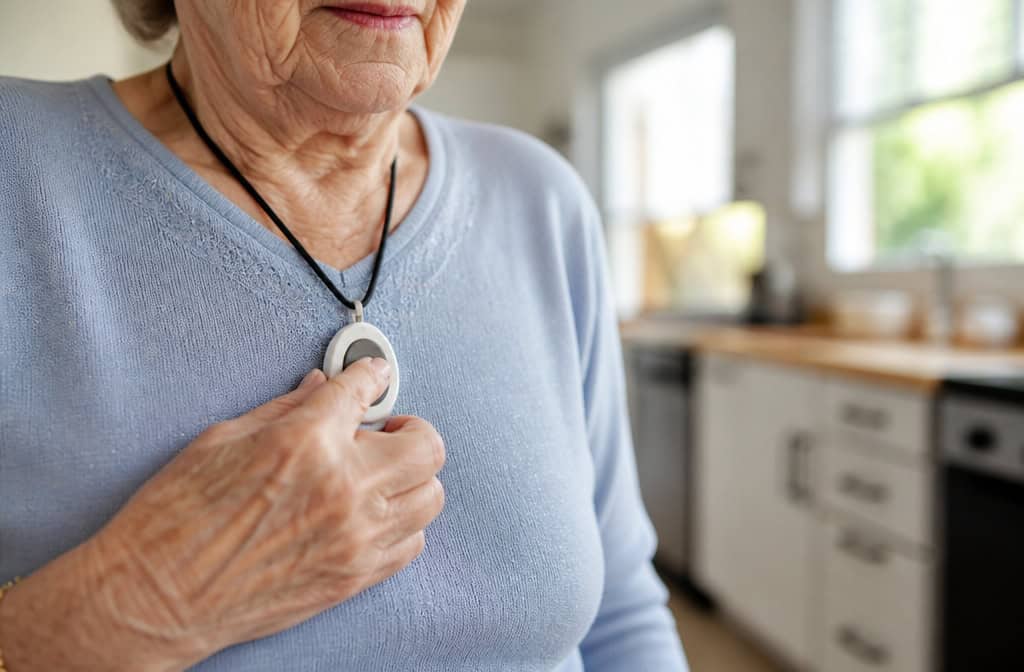
Do medical alert devices have GPS? I remember sitting at my kitchen table, phone in one hand, a list of systems in the other, trying to figure out whether my mom’s pendant could find her if she wandered off at the grocery store. The answer, I quickly learned, isn’t a straight yes or no — it’s a “depends on which kind you buy.”
Here’s the short version: If you buy an in-home system (the kind with a base station), it almost certainly doesn’t have GPS. If you buy a mobile system (pendant, watch, or clip that works on cellular), GPS is common — but it’s not guaranteed to work perfectly.
Key Takeaways
In-home medical alert systems don’t have GPS. They connect to a base station that works only within a limited range (often far less than advertised). Mobile systems use cellular networks and almost always include GPS.
GPS accuracy varies. Wirecutter testing found the Kanega Watch’s GPS failed 4 out of 10 times in the Kansas City area, and the operator told the emergency contact the user was “at home” when they weren’t. The LifeFone VIPx, on the other hand, pinpointed the exact location in every test but one.
Battery life is the hidden tradeoff. A GPS-enabled smartwatch like the Bay Alarm Medical SOS Smartwatch lasts only 6–8 hours per charge, while a simple GPS pendant like the LifeFone VIPx2 can go up to 18 days. Choose based on what the person will actually remember to charge.
Table of Contents
How GPS actually works in these devices
You don’t need to understand satellite orbits or trilateration math. The device has a GPS chip that talks to at least three of the 24 GPS satellites orbiting the Earth. Those satellites tell the chip exactly where it is. GPS itself works anywhere on Earth, but the cellular network needed to transmit your location is typically limited to the US. If you travel abroad, the device may not function.
So the device also has a cellular modem — the company provides that service as part of your monthly fee. No separate phone plan needed.
The key thing: the GPS chip alone can’t call for help. It needs the cellular network to beam your location to the monitoring center or to a caregiver’s app.
In-home vs. mobile — the dividing line for GPS
In-home systems have a base station that connects to your landline or cellular backup. The wearable pendant only communicates with that base station.
No GPS chip. If she walks out of range, the pendant is just a heavy piece of plastic.
Mobile systems, on the other hand, are self-contained. They have a cellular radio and a GPS chip inside the wearable itself. They work anywhere there’s cell service. That’s why almost all of them include GPS — because the cellular connection is already there.
Advertised range vs. real-world performance
U.S. News tested several popular models and found actual ranges far below what the companies advertise. Here’s what independent testing found:
- MobileHelp: advertised 1,400 feet, tested at 300 feet
- Medical Guardian: advertised 1,400 feet, tested at 400 feet
- Bay Alarm Medical SOS Home Cellular: advertised 1,000 feet, tested at 200 feet
- LifeFone: advertised 1,300 feet, tested at 80 feet (spotty above 100 feet)
- LifeStation Sidekick Home: advertised 650 feet (later updated to 1,300 feet), tested at 140 feet
- Aloe Care Health Essentials: advertised 200 feet, tested at 35 feet
- ADT Medical Alert Plus: advertised 600 feet, tested at 100 feet
If your parent has a big house or spends time in the yard, don’t trust the marketing number. A mobile system with GPS might be the better bet.
When a mobile system makes more sense than an in-home one
You should skip in-home entirely and go straight to mobile with GPS if any of these are true:
- The person leaves the house regularly — gardening, walking the dog, running errands
- They have a large home (the median new house in 2023 was 2,233 square feet, bigger than most base stations cover reliably)
- They have dementia or are prone to wandering
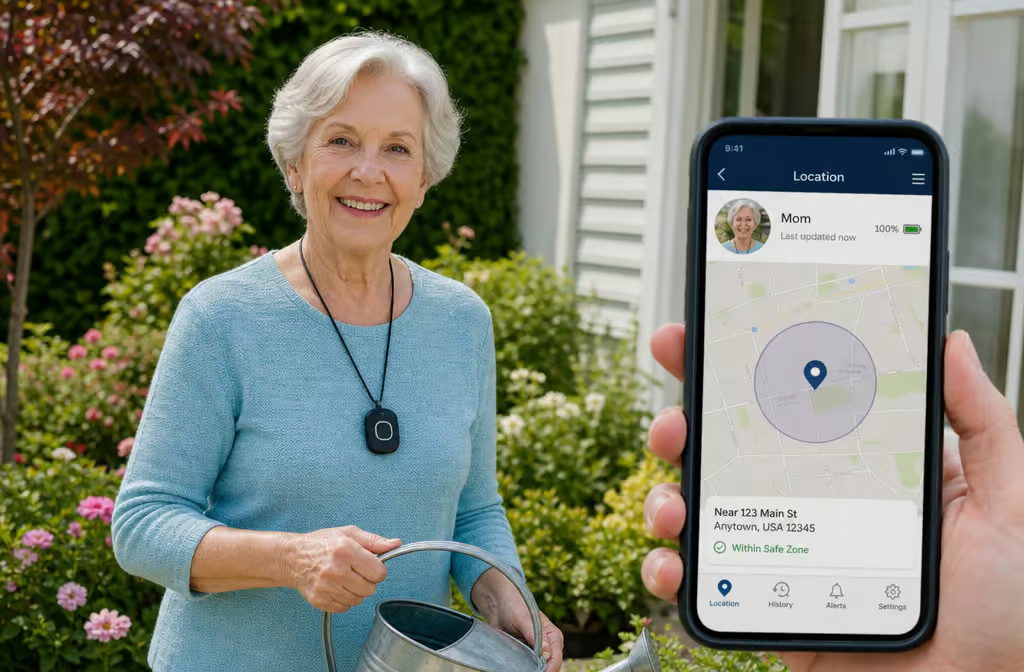
- You want to track their location from your phone with a caregiver app
Monitored vs. unmonitored — who actually uses the GPS?
Imagine your mom falls in the backyard and can’t speak. With a monitored system, she pushes the button, a trained operator answers through the speaker, assesses the situation (even if she just groans), and sees her GPS location on a map. They dispatch help to exactly where she is.
With an unmonitored system, the alert goes straight to 911 or your emergency contacts, with no middle person. If she can’t explain where she is, the dispatcher might not have the GPS data — or might waste precious minutes trying to figure it out. Unmonitored medical alert systems are cheaper (no monthly fee), but you lose the biggest advantage of GPS: a human who can find you when you can’t speak.
As Dr. Stephen Yeh notes, many ER visits start with a fall where the person could not call for help. A monitored system with GPS closes that gap.
Fall detection and GPS — better together
Fall detection without GPS is like a smoke alarm without an address — it alerts someone that there’s a problem, but it doesn’t tell them where you are. When those two features work together, the call center knows you fell and where to send help.
In Wirecutter testing, the Lively Mobile+ and MedEquip Alert failed to detect any falls at all.
The Apple Watch (for people over 55) can give false alarms during amusement park rides or sports. So don’t assume it works flawlessly — test it.
Passive fall detection is another option: sensors in the room that detect a fall without the person needing to wear anything. Good for people who absolutely will not wear a pendant.
GPS accuracy and battery life — the real tradeoffs
The idea that GPS always works perfectly is a myth. It depends on the device, the location, and even the year the testing was done.
The Kanega Watch GPS failure
Wirecutter’s most recent testing found that the Kanega Watch’s GPS failed 4 out of 10 times in the Kansas City metro area. In one case, the operator told the emergency contact that the user was “at home” — when they actually weren’t. The Kanega Watch has a lot going for it (no extra fee for fall detection, built-in medication reminders), but GPS is its weak spot.
On the other hand, the LifeFone VIPx was accurate in every test except one — and that was when the device was inside a house, where satellite signals get blocked. No system is perfect.
Smartwatch battery vs. pendant battery
The fancier the device, the shorter the battery life. Here’s what you’re signing up for:
- Bay Alarm Medical SOS Smartwatch: 6–8 hours per charge. You have to charge it every day, like a phone.
- LifeFone VIPx2 mobile pendant: up to 18 days per charge. Set it and forget it for weeks.
- Kanega Watch: 24–36 hours. That is manageable if you charge it overnight.
- Bay Alarm Medical SOS All-In-One 2: 72 hours.
- ADT Medical Alert Plus backup battery: 30 hours (for the base station during power outages).
Think about who’s wearing it. Will they remember to charge a watch every night? If not, a long-lasting pendant is the safer choice.
How caregivers can use GPS tracking
One of the nicest features of modern medical alert systems is the companion app. You can see your parent’s real-time location, check the battery status, and review call logs — all from your phone. Some apps even let you set up geofencing, so you get an alert if they leave a designated safe zone, and if a wearable does go missing, you can follow a practical step-by-step guide on how to find a lost medical alert device to locate it quickly.
Monica Moreno from the Alzheimer’s Association puts it plainly: Wandering is a frequent behavior among individuals with dementia. They may become disoriented or lost, and this can occur at any point in the disease’s progression. GPS technology offers a way to monitor their whereabouts.
But not every GPS device offers continuous tracking. Some only activate GPS when the alert button is pressed. If you want to check on them whenever you feel anxious, you need a system with a companion app that shows live location. Ask before you buy.
Do you need GPS? A decision guide
According to a U.S. News survey of 700 customers, 69% said fast response time was the most important feature — not GPS.
So when is GPS worth the extra cost and battery hassle?
Get GPS if:
- The person goes out alone (walks, errands, appointments)
- They have dementia or a condition that causes disorientation
- They live in an unfamiliar area or a place with winding streets
- You want caregiver tracking for peace of mind
Skip GPS if:
- They’re mostly homebound in a small space
- They won’t charge a device (a pendant without GPS might be simpler)
- You’re on a tight budget and fast response time is already covered
In that case, prioritize a system with a solid in-home range and fast operator pickup. Alexa Emergency Assist, for example, has no GPS and no fall detection, but its average response time is 14.6 seconds — the fastest tested. That might be enough for a homebody who just needs someone to answer quickly.
Cost and privacy — what to know before buying GPS
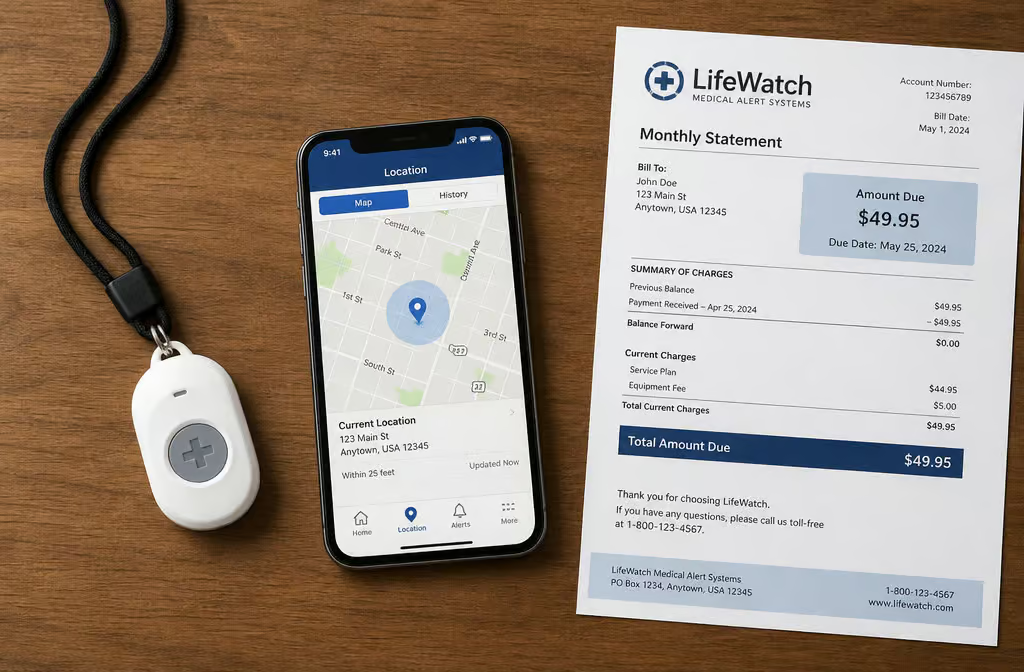
Here’s a sample of what you might see:
- LifeFone At-Home Cellular (no GPS): $31–$35/month
- LifeFone At-Home & On-the-Go VIPx (with GPS): $29.95–$47.95/month
- Kanega Watch: $299 setup + $65–$80/month
- Alexa Emergency Assist (no GPS, no fall detection): $59–$79/year
- Life Alert (no GPS): $247 activation + $90/month for 36 months
Notice the overlap. And watch for contracts — Life Alert locks you in for three years, which is a huge commitment.
The privacy question
Continuous GPS tracking creates a data trail. Who has access to it, is it stored after you cancel, and is it sold to third parties? Most companies don’t advertise this, but it’s worth asking.
A real example: After canceling Medical Guardian, a user received emails intended for new owners — including names and emergency contacts. When they complained, the company said it was “just names.” That’s not okay. Before you sign up, ask: Do you store my location data?
Can I have it deleted after cancellation? Who has access?
Conclusion — GPS is a tool, not a solution
The most important question isn’t “Does it have GPS?” It’s “What happens when you push the button?” The best system is the one your parent will actually wear, charge, and use. GPS is a powerful addition, but it doesn’t matter if nobody answers the call or if the battery dies halfway through the day.
In the end, fast response time is what 69% of users care about most. GPS can help the operator find you, but a human voice on the other end — someone who knows your emergency plan and can send help, is the real lifeline.
People Also Ask
Is there a medical alert system that uses GPS?
Yes, but only mobile systems — the kind that work on cellular networks — include GPS. In-home systems with a base station don’t have GPS at all. If you need location tracking outside the house, you need a mobile pendant, watch, or clip that has its own cellular radio and GPS chip.
What are the worst medical alert systems?
The worst systems are the ones that fail when you need them most. Independent testing has found that some in-home systems have actual ranges far below what’s advertised — one model advertised 1,300 feet but worked only up to 80 feet. GPS accuracy also varies wildly; one watch failed to pinpoint the user’s location 4 out of 10 times in testing. Always check independent reviews rather than trusting marketing claims.
How much does Life Alert medical alert system cost with GPS tracking?
Life Alert doesn’t actually offer GPS tracking — its systems are in-home only, with no mobile option. It charges a $247 activation fee plus about $90 per month, locked into a three-year contract. If you need GPS, you’re better off looking at mobile systems from other providers, which often cost less and don’t require long-term commitments.
What’s the difference between in-home and mobile medical alert systems?
In-home systems use a base station that connects to your landline or cellular backup, and the wearable pendant only works within a limited range of that base station — often much less than advertised. Mobile systems have a cellular radio and GPS chip built into the wearable itself, so they work anywhere there’s cell service and can transmit your location to a monitoring center.
How accurate is GPS on medical alert devices?
GPS accuracy varies significantly by device and environment. In independent testing, one watch failed to locate the user 4 out of 10 times, while another pendant was accurate in every test except when indoors where satellite signals are blocked. Some devices also use Wi-Fi positioning or cell tower triangulation to improve accuracy, but no system is perfect — especially inside buildings.
Is GPS worth the extra cost and shorter battery life?
It depends on the person’s lifestyle. GPS is worth it if they go out alone, have dementia, or live in an unfamiliar area. But if they’re mostly homebound in a small space, a fast in-home system without GPS might be a better fit. GPS-enabled smartwatches can need daily charging, while simple pendants can last weeks — so consider who will actually remember to charge the device.