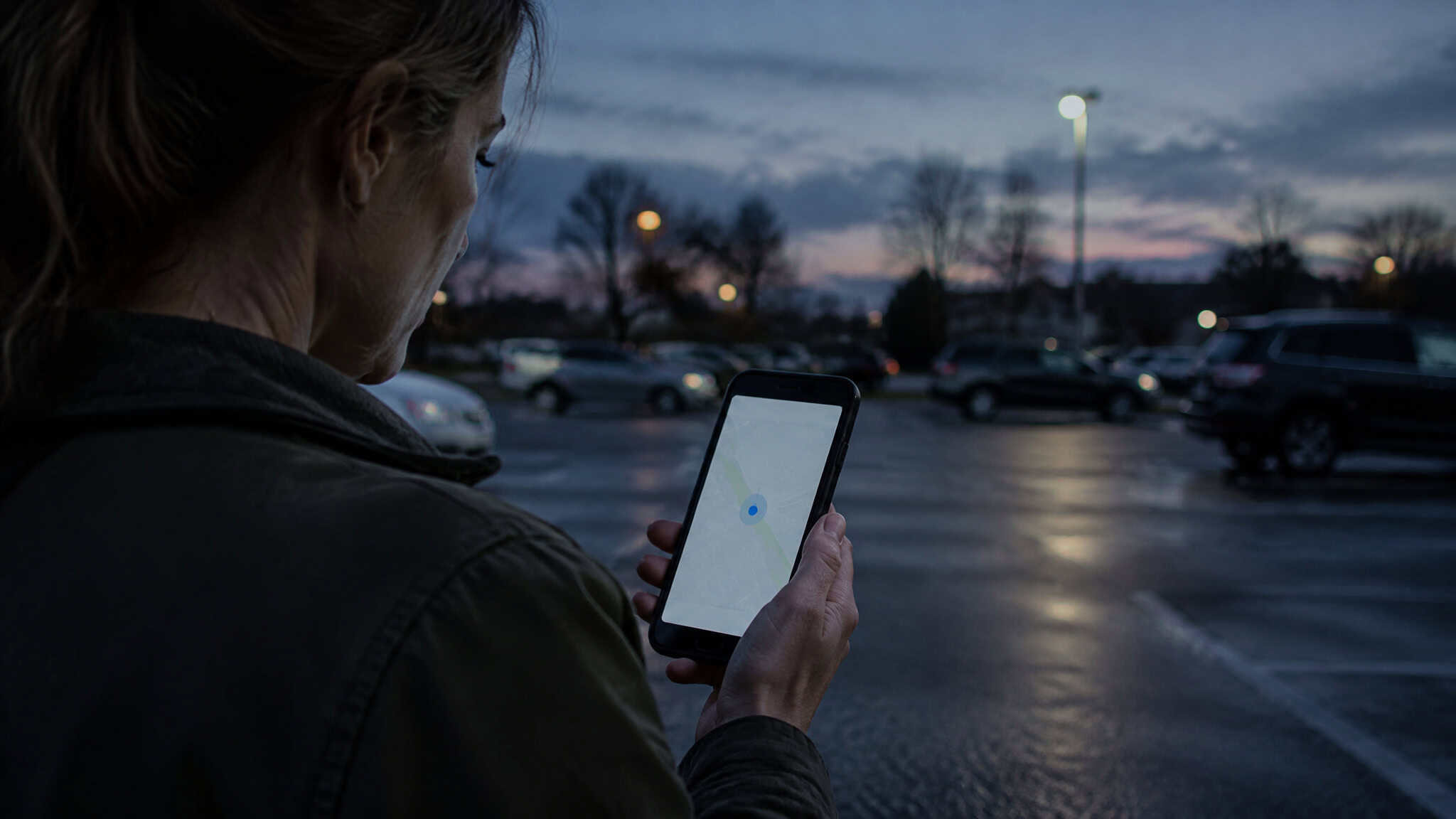
I’ve been the person typing this search with one thumb while standing in a parking lot, watching a kid’s dot sit frozen on a map that should have been moving. So let me save you the next twenty minutes of scrolling: HeyPolo doesn’t publish a phone number. Not on their website, not in their help center, not buried in the Terms of Service or the Privacy Policy. There’s no separate US line, either. I looked, and there isn’t one to find.
Here’s the slightly annoying part: some search results will show you a “HeyPolo support number” anyway. Those aren’t HeyPolo. More on how to dodge that mess below.
What HeyPolo does have is a help center with real humans on live chat, an email form, and a troubleshooting section that solves a surprising number of problems before you ever need to talk to anyone. Let’s get you to the right one.
Key Takeaways
HeyPolo publishes no phone number anywhere official; the only contact channels are live chat (9 AM-5 PM Central per the help center) and the email form at support.heypolo.com/hc/en-us/requests/new.
If a kid vanished from the map, check the boring stuff first: sharing toggled on, private mode off, the right group selected, and phone permissions granted. Most “the app is broken” panic is one setting.
For a genuine emergency, don’t hunt for support. Call 911 or your local emergency services. HeyPolo’s own Terms say it’s not an emergency service.
Table of Contents
What HeyPolo actually is
The two-minute version: HeyPolo is a family location-sharing app for iPhone and Android, and it’s consent-based, meaning everyone in the group agrees to share rather than being quietly added. It comes from the team behind Surfshark, the VPN company, though it operates as its own company, HeyPolo Inc., with its own team. Live locations refresh every 5 seconds while someone’s actively sharing, which is why it feels genuinely live instead of ten-minutes-ago live. One person pays and everyone else joins free, with unlimited invites, and location history automatically deletes after 7 days. Tom’s Guide has recommended it, for what press coverage is worth.
Whether you can trust what the company says about your data
HeyPolo says it encrypts all data in transit and never sells, shares, or monetizes location data. That’s the company’s claim, not something independently audited. Its pricing page also includes a comparison table it built itself against Life360 and Apple Find My, in which HeyPolo comes out looking like the only one that doesn’t sell user data. That’s the company grading its own homework, so read it as marketing.
Same goes for the seven named testimonials and the 4.9-star badges on the site: brand-selected, no independent verification behind them. Independent coverage from Tom’s Guide, 9to5Mac, and 9to5Google does broadly support the privacy-first positioning, but the product-specific claims stay attributed to the brand.
Who controls what each person shares
Each member sets their own sharing preferences during setup, so nobody inherits whatever the group creator picked. Everyone chooses who sees their location, when, and for how long.
One quirk worth knowing before it surprises you: “Hide My Location” is all-or-nothing. It hides you from every family connection at once, not from one specific person. If you were hoping to duck your sister while staying visible to your partner, that’s not how it works. No judgment on why anyone might want either setting; it’s just good to know the shape of the switch before you flip it.
Fixing it yourself before you contact anyone
A dot goes gray, and suddenly it feels like an emergency. Breathe. Usually one of four things happened: their sharing window closed, they adjusted who can see them, they moved to another group, or their phone quit pushing updates in the background. Most of the time, this is one toggle.
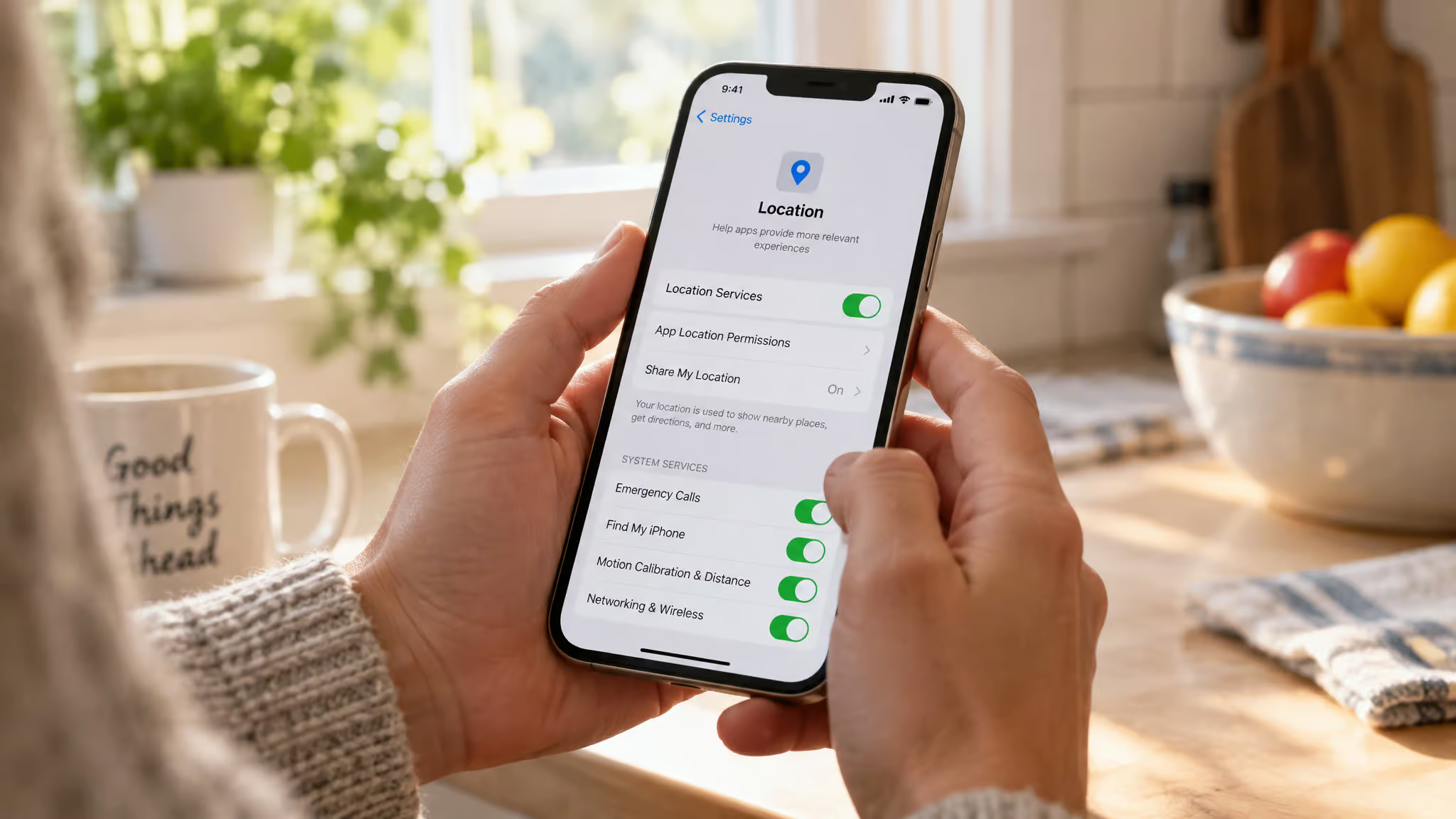
Start with the boring stuff, before anything fancy:
- Is sharing actually switched on?
- Is private mode enabled?
- Is the right group selected?
- Does the app have the phone permissions it needs?
Then work the fix ladder in order, changing one thing at a time so you know what actually worked:
- Check the in-app settings.
- Check your phone’s settings.
- Restart the phone.
- Reinstall the app.
That permissions check deserves a minute. On most phones you’ll go to Privacy and Security settings, tap Location Services, and find HeyPolo (if you want the full rundown first, see what HeyPolo is and how it works). Fair warning: menu names shift depending on your phone model and OS version, so if your screen doesn’t match what a guide shows, that’s the phone, not you. While you’re in that menu anyway, check the cellular data permission too.
And here’s the one that trips up the most families: battery-saving settings. Your phone tries to help by throttling background activity, which means HeyPolo updates beautifully while it’s open on screen, then goes silent the moment the screen locks. Background app refresh is the whole feature making fresh locations possible, so battery-saver modes and location apps are natural enemies. If your kid’s dot is fine all evening and dead by morning, this is very often why.
Quick test: If the dot updates fine with the app open but goes silent once the screen locks, battery-saver settings are the first place to look.
If it’s still misbehaving, run the process of elimination:
- Can other family members see the person in question?
- Do updates work while the app is open?
- Does it fail on Wi-Fi and on mobile data, or just one of the two?
- Does another map app find the right spot?
Your answers narrow it down fast, and they’re exactly what support will ask anyway.
What SOS actually does, and the part nobody should guess
This section gets a straight face, because it deserves one.

HeyPolo’s own materials describe SOS two different ways. The feature pages say one tap notifies your sharing group with your live location. The Privacy Policy describes a separate emergency-contact setup, where activating SOS texts each person you’ve listed, whether or not they’re in your group. The company’s docs don’t fully agree, and I’m not going to pretend to know which one is complete. The practical move is to open the app and set up and verify your emergency contacts yourself, rather than trusting either description.
And the hard line, from HeyPolo’s own Terms: the service is not an emergency service. It’s an informational tool, not a foolproof safety system. Support channels, see how to reach HeyPolo support, and any phone number, real or fake, are never the emergency path. If something is actually happening, call 911 or your local emergency services.
What it costs and the fine print worth knowing
One plan covers the whole family, no per-person fees. The price with the widest independent support is $3.99/month billed annually, which works out to roughly $47.88 to $47.99 upfront, and that figure shows up in the App Store listing, Tom’s Guide, and Capterra. Some of HeyPolo’s own pages disagree on details, so confirm the exact terms at checkout rather than trusting any single page. Prices may vary.
Two money caveats in normal-person terms. First, a free trial and the 30-day money-back guarantee are two different offers, and per the Terms, the guarantee doesn’t apply if you’ve already had a free trial of 30 days or longer, so don’t assume you can stack both. Second, on refunds: HeyPolo can refund purchases made through Google Play or its own direct billing, but gift cards and prepaid card payments are excluded.
How to actually reach HeyPolo
Here’s the full picture, plainly. No phone number is published anywhere official as of this writing: not on heypolo.com, not on the help center, not in the Terms or the Privacy Policy, and there’s no separate US line. The Central Time chat hours are the closest thing to a US-specific detail that exists. If HeyPolo adds a number later, the official help center is where it would show up, so check there rather than a search ad. The reason isn’t mysterious: this is a chat-first support model, the kind the Surfshark team grew up on in the VPN industry.
The real channels:
Live chat, with actual humans. Real people, not a bot loop, available 9:00 AM to 5:00 PM Central Time (CDT / GMT-5) per the help center. One honest catch: HeyPolo’s Privacy Policy claims a 24/7 support team, while the help center says 9 to 5. When a company’s own pages disagree, the specific operational one is the one to believe, so plan around 9 to 5 and verify at contact time. Also note those are basically school hours, so if your free window is pickup time, do the time-zone math before you sit down to chat.
Email, through the form. The request form lives at support.heypolo.com/hc/en-us/requests/new. This is the send-it-and-get-back-to-your-day option. No hold music, no waiting for a chat window to open.
support@heypolo.com is the documented address for account deletion requests. The in-app alternative is Settings > Account > Delete Account, which removes stored personal data, subject to the Privacy Policy’s retention exceptions. Good to know before you need it.
And before any of that, check the Troubleshooting section at support.heypolo.com. Sometimes the answer is already written down, and you can fix the whole thing in a ten-minute window instead of waiting for a reply.
When you do reach out, have the six details ready. It’s the same prep as calling the pediatrician: they’re going to ask, so have it in front of you.
Before you contact support, jot down:
- Your phone model
- Your OS version
- Your HeyPolo app version
- Roughly when it failed
- Whether you were on Wi-Fi or mobile data
- The exact symptom, in one sentence
Fake numbers and a different app, briefly
Two short things.
First, the scam warning. Because the only official HeyPolo surfaces are heypolo.com and support.heypolo.com, any “HeyPolo support number” you find in a search ad or a third-party directory is not HeyPolo by definition. This is a common failure pattern with app-based support products, and people looking for a phone number are exactly who those fake numbers are fishing for. Stick to the official domains.
Second, if HeyPolo’s structure doesn’t fit your family, the comparison that comes up is OtoZen, though fair warning: that suggestion comes from otozen.com, a competitor’s own site, so it’s promotional by nature. Per that source, OtoZen makes sense when a family wants one-to-one permissions, one-way sharing without reciprocal access, per-connection privacy settings, viewer-only access (seeing everyone else’s trips and live locations without recording your own, though some trip, alert, SOS, and reminder features go unavailable while it’s active), or privacy controls tied to trip and driving data. HeyPolo’s tradeoff is the opposite: whole-group simplicity under one plan, with that all-or-nothing Hide My Location. Neither is wrong. It just depends what your family needs.
Verify before you buy, check the current details on the official site, and you’ll be fine. The dot will move again.
Frequently Asked Questions
Why does my kid’s location stop updating when their phone screen locks?
That’s almost always battery-saver settings throttling background activity. HeyPolo updates fine while the app is open, then goes silent once the screen locks because background app refresh gets cut off — and background refresh is what makes fresh locations possible. If the dot is fine all evening and dead by morning, battery-saver mode is the first place to look.