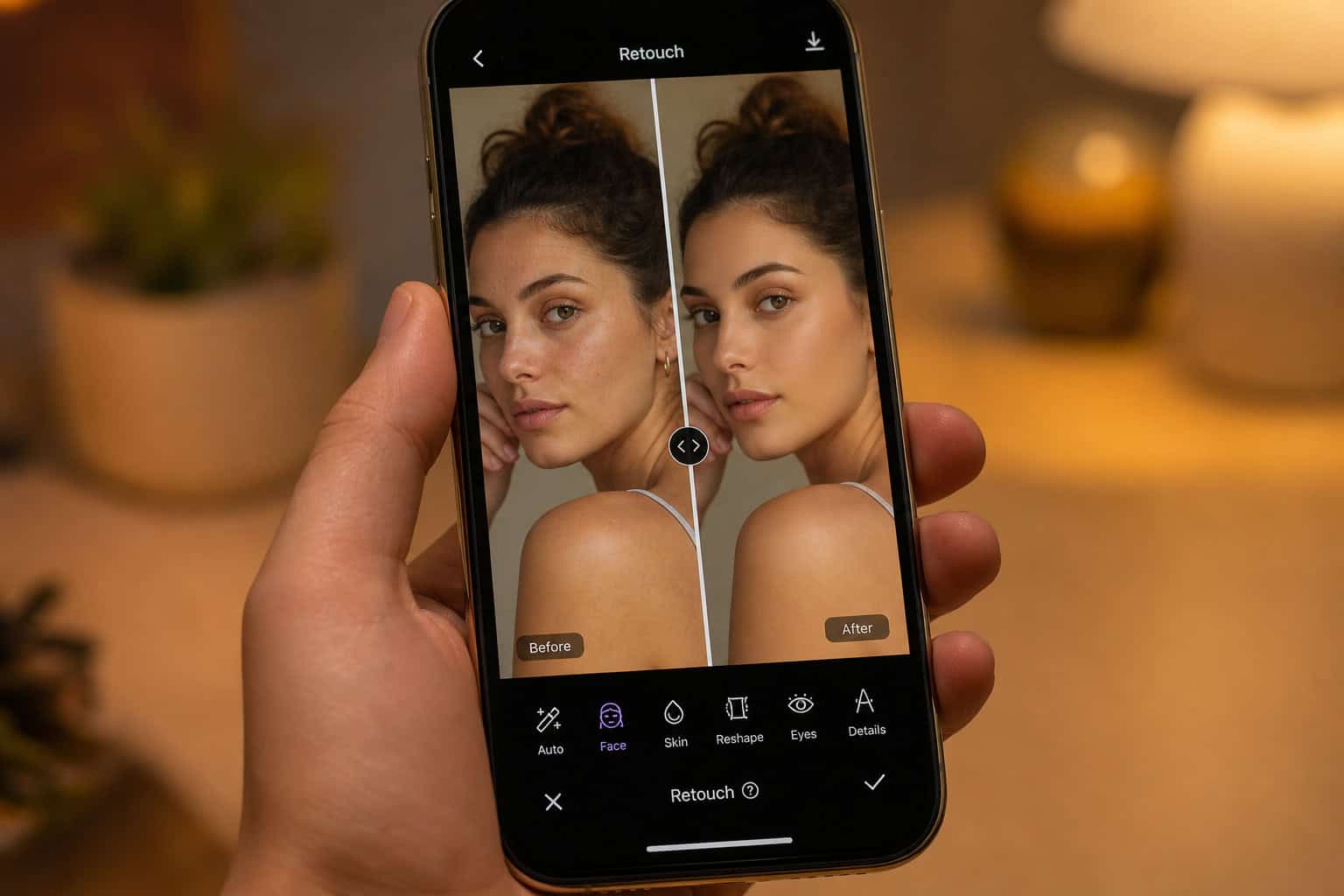
You know that feeling when you take a photo you’re excited about—good lighting, decent angle, kids are (mostly) smiling—and then you zoom in and notice the stray hair, the weird shadow, or the fact that you look like you haven’t slept in three years? That’s the moment most of us start Googling photo editing apps and wondering if there’s an easier way than learning Photoshop.
RetouchMe sounds like the answer to that prayer. Real human editors, not AI. Natural-looking results that nobody would suspect were altered. And professional retouching services starting at $1. For a blogger who needs decent header images or a parent who just wants one good holiday card photo without spending hours in front of a computer, that’s an appealing pitch.
But here’s the thing I discovered when I dug into how this app works and what real users are saying: the gap between the promise and the reality is wide. Let me walk you through the process honestly, so you can decide if it’s worth your time and money.
Key Takeaways
RetouchMe uses human designers, not AI, which means edits can look natural but turnaround times vary—the advertised 10-15 minutes often turns into hours or even days
The app offers over 250 editing services, from body slimming and skin smoothing to background replacement and digital makeup, all paid for with an in-app “stars” currency that makes it easy to lose track of spending
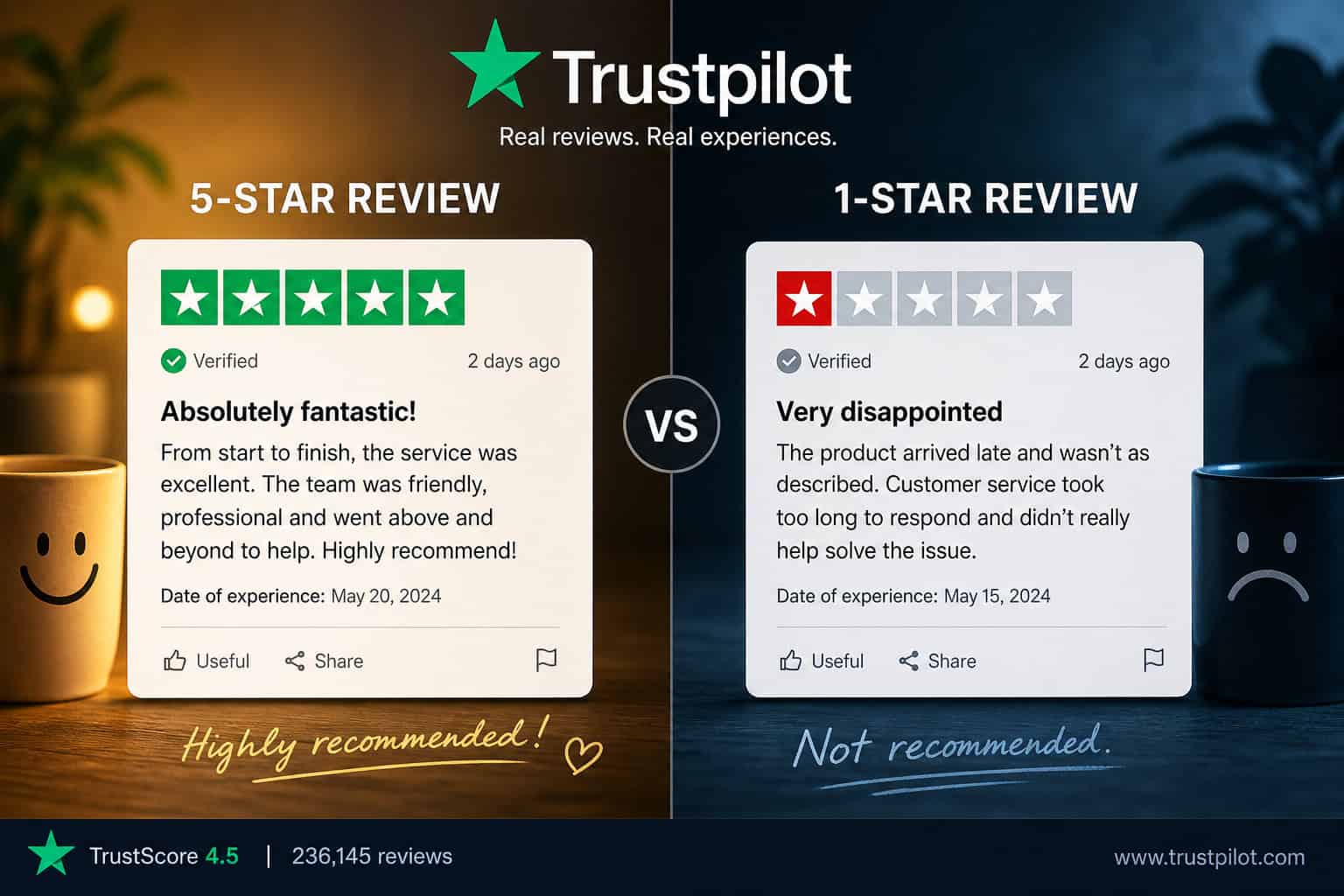
Trustpilot reviews show a split experience: some users love the results, but some report poor quality edits, being charged extra for fixes that don’t work, and having refund requests denied despite a stated 14-day policy
Table of Contents
What Makes RetouchMe Different
The whole selling point is right there in the name: real people doing real work. RetouchMe has been around since 2014 and claims over 25 million users. They’ve got a physical address in Edinburgh, UK—not a PO box—and they market themselves to casual users, bloggers, professional photographers, and e-commerce sellers.
Unlike apps that run your photo through an automatic filter or AI algorithm, RetouchMe sends your image to an actual graphic designer. The promise is that you get edits that look subtle and natural—the kind where nobody looks at your photo and thinks “oh, they definitely used an app.”
That sounds great in theory. But as I started looking into what happens when you use this thing, I found a more complicated picture.
Step 1: Download and Open the App
First step is easy. You can grab RetouchMe from the App Store on iPhone, Google Play on Android, or even the Amazon Appstore. The app has a 4.2 rating on the App Store and supports iOS 12.0+ and Android 5.0+. It’s built for phones and tablets—you’re doing this from your couch, not a studio.
You don’t need an account just to browse the services, but you’ll need to create one before you can place an order. Nothing unusual there.
Step 2: Select a Photo
Inside the app, you pick any photo from your camera roll. That’s it. No uploading to a separate website, no file conversions, no figuring out resolution requirements. The app accepts JPEG and PNG files up to 25 MB. The whole point is that you don’t need any photo editing expertise. You just pick your picture and move on.
Step 3: Choose Your Retouch Service
This is where things get interesting. RetouchMe offers over 250 different editing services. They’ve organized them into categories, but the range can feel overwhelming.
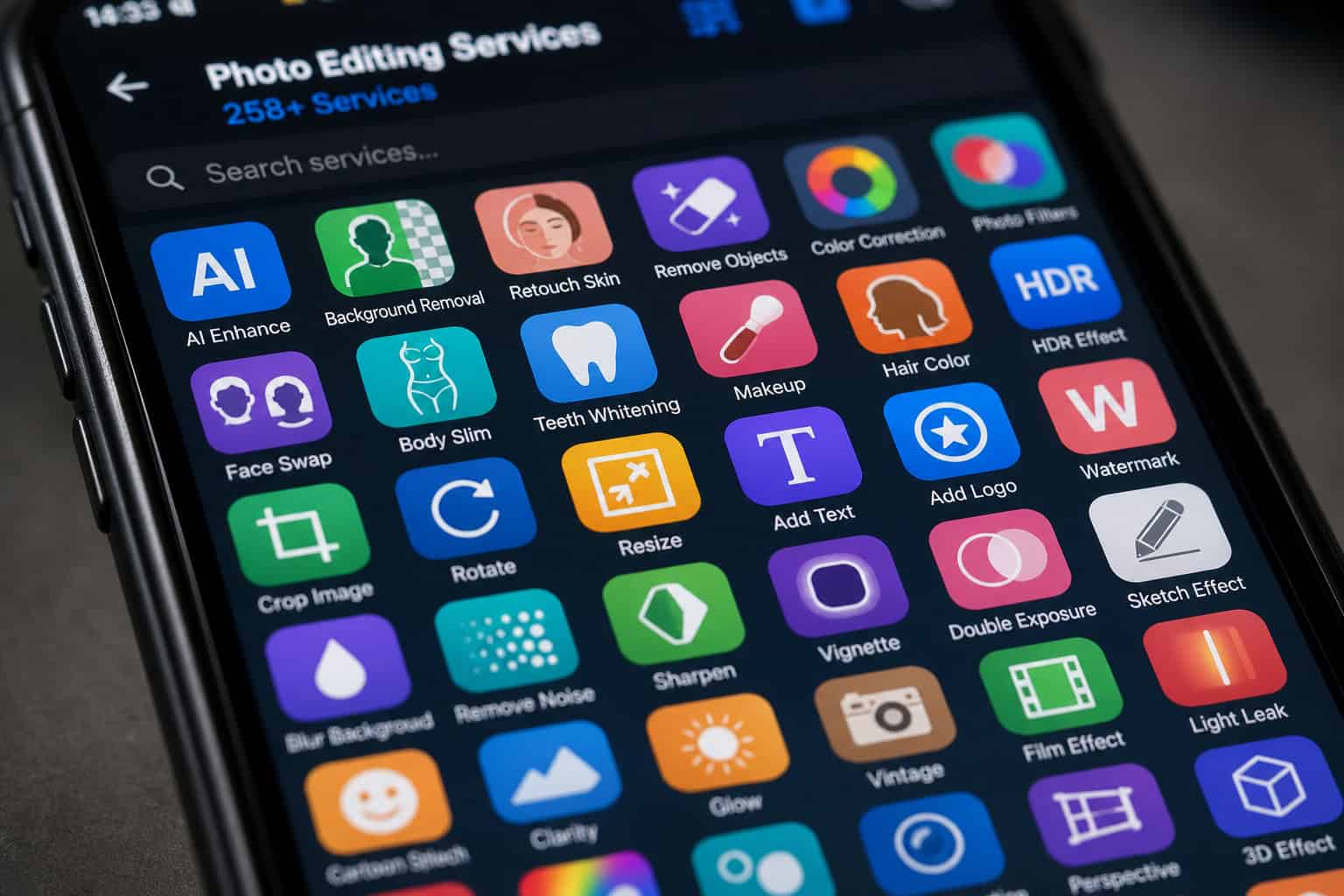
Body editing is the big one—that’s what most people come here for. You can slim just about any body part, get a flat tummy, add or reduce breast size, lift, tone, remove stretch marks, thin your arms, lengthen your legs, even add six-pack abs or remove clothing. Basically, if you’ve ever looked at a body part in a photo and thought “I wish that looked different,” there’s probably a button for it.
Skin retouching covers the stuff you’d expect: removing acne and wrinkles, evening out skin tone, refining pores. But they also do face-specific edits like nose jobs, jawline reshaping, lip augmentation, teeth whitening, removing dark circles, and fixing red-eye. There’s even an option to remove glare from glasses.
Background editing lets you erase or replace backgrounds entirely, remove unwanted people or objects, fix color issues, or add a blur effect.

Then there are the more creative categories: a selfie editor designed for profile pictures, a manly editor that pumps up biceps and enhances muscles (because why not), a weight loss editor that promises thin waists and flat stomachs without diet or exercise, a full makeup editor with lipstick, blush, eyeshadow, and contour, an accessories collection with sunglasses and hats and jewelry, and a hairstyle editor that can change color, add volume, cover gray, hide bald spots, or even try on a beard.
It’s a lot. Having this many options is part of the appeal. You can probably find exactly what you want.
Step 4: Send Your Order and Pay
Here’s where the “starting at $1” gets complicated.
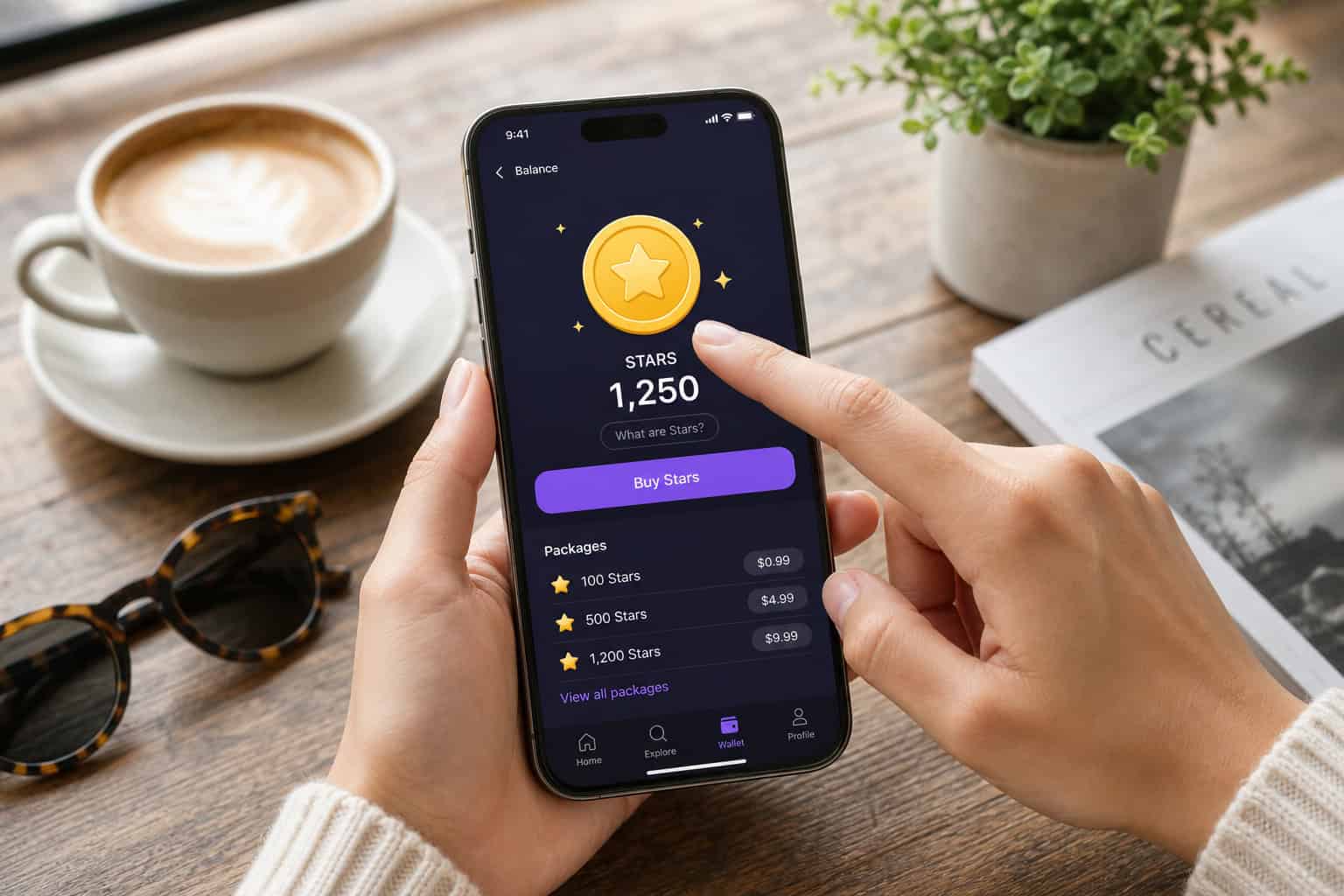
You don’t pay with regular money inside the app. You buy “stars”—an in-app virtual currency. Then you spend those stars on the edit you want. It’s like arcade tokens. You buy a pack of stars, then each service costs a set number of stars, and pretty soon you’ve lost track of what you’re actually spending.
The cheapest edits do start around $1. But most of the services you’d actually want cost more than $1. Buying stars in bulk lowers the per-edit cost, which makes the subscription option ($9.99/month in some cases) look appealing. But that also means you’re paying more money upfront.
Victoria, a Trustpilot reviewer, reported that the app charged more than what was stated. Michelle Kohlmann mentioned that paying the maximum amount seemed to speed up processing—which raises questions about whether you’re really getting what you pay for.
Step 5: Wait for the Result
The app promises 10–15 minutes for a professionally edited photo. That’s the marketing claim. And if it were true, this would be a fast service.
But user experiences tell a different story.
Tee was quoted 90 minutes and waited over 6 hours. Asha Ryan, who used to use the app with no problems, now waits over 10 hours for a retouch. Tania qadeer waited 14 hours. Audrey Green’s edit took 3 days. LYNDSEY SWENSEN’s money was taken, but the status stayed stuck at “retouching photo” for 24 hours with no delivery.
The reason is that human editors are slower than algorithms. Real people process every photo, and when there’s a queue, you wait. That’s the tradeoff baked into the service.
Step 6: Receive, Review, and Request Changes
So the edit finally comes back. You check the app (that’s where it’s delivered—no email or text notification), and you see the result.
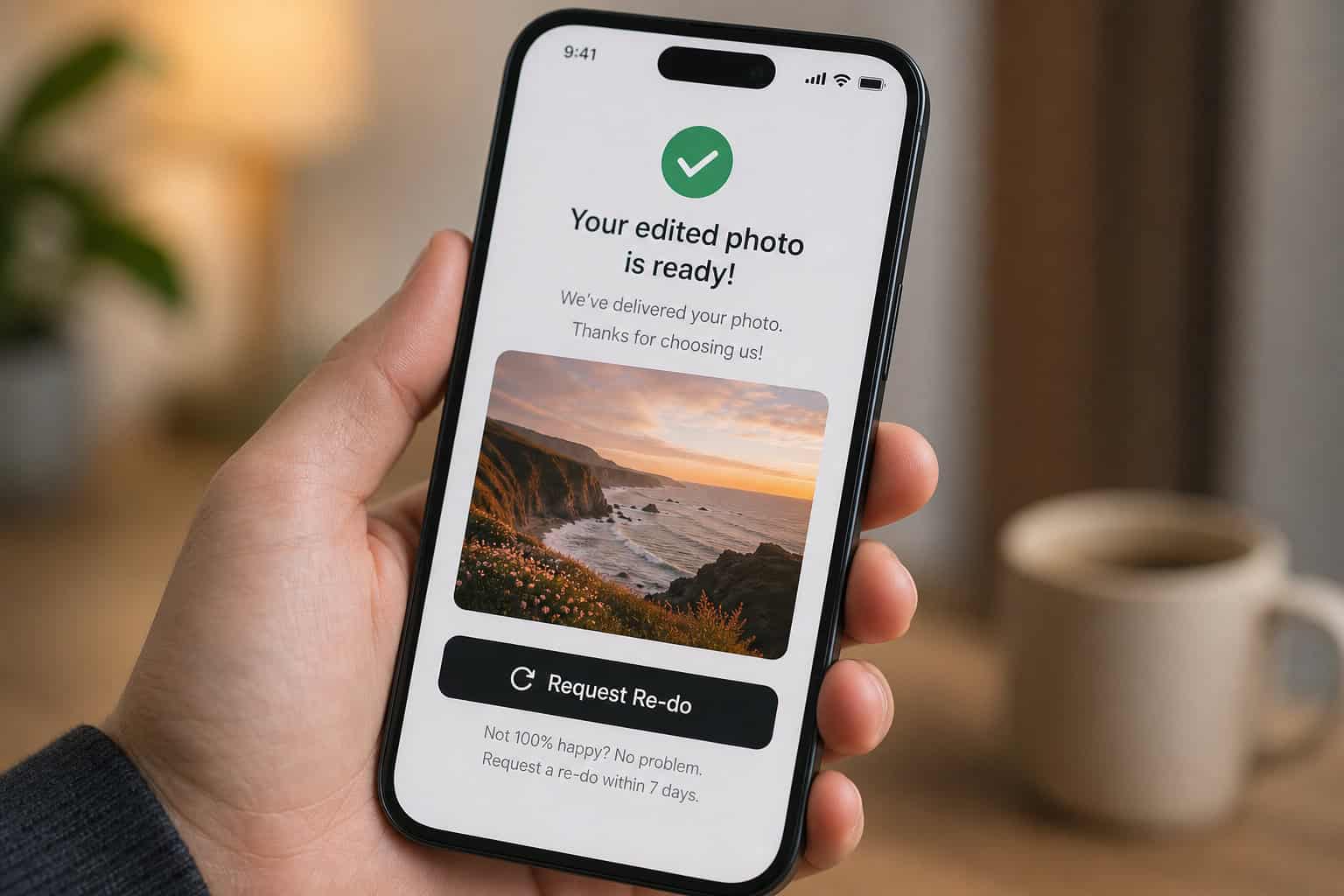
If you’re happy, great. Your original photo gets deleted from their system immediately, which is actually a solid privacy practice.
If you’re not happy? That’s where problems emerge.
You can request a re-do, but it usually costs additional stars. And based on user reports including Katie Grey and Margie M., there’s no guarantee the second attempt will be any better.
Katie Grey asked for a simple hair column retouch five separate times and got no change. She was then told she was being rude for asking. Margie M. paid for the “intensive” option to remove crow’s feet from her eyes, saw no difference after five attempts, and canceled her $9.99/month subscription. Anne Hermary was charged credits for corrections and received the same unfixed photo back—essentially paying twice for nothing.
Human Editors, Not AI: The Tradeoff
This is the core tension of the app.
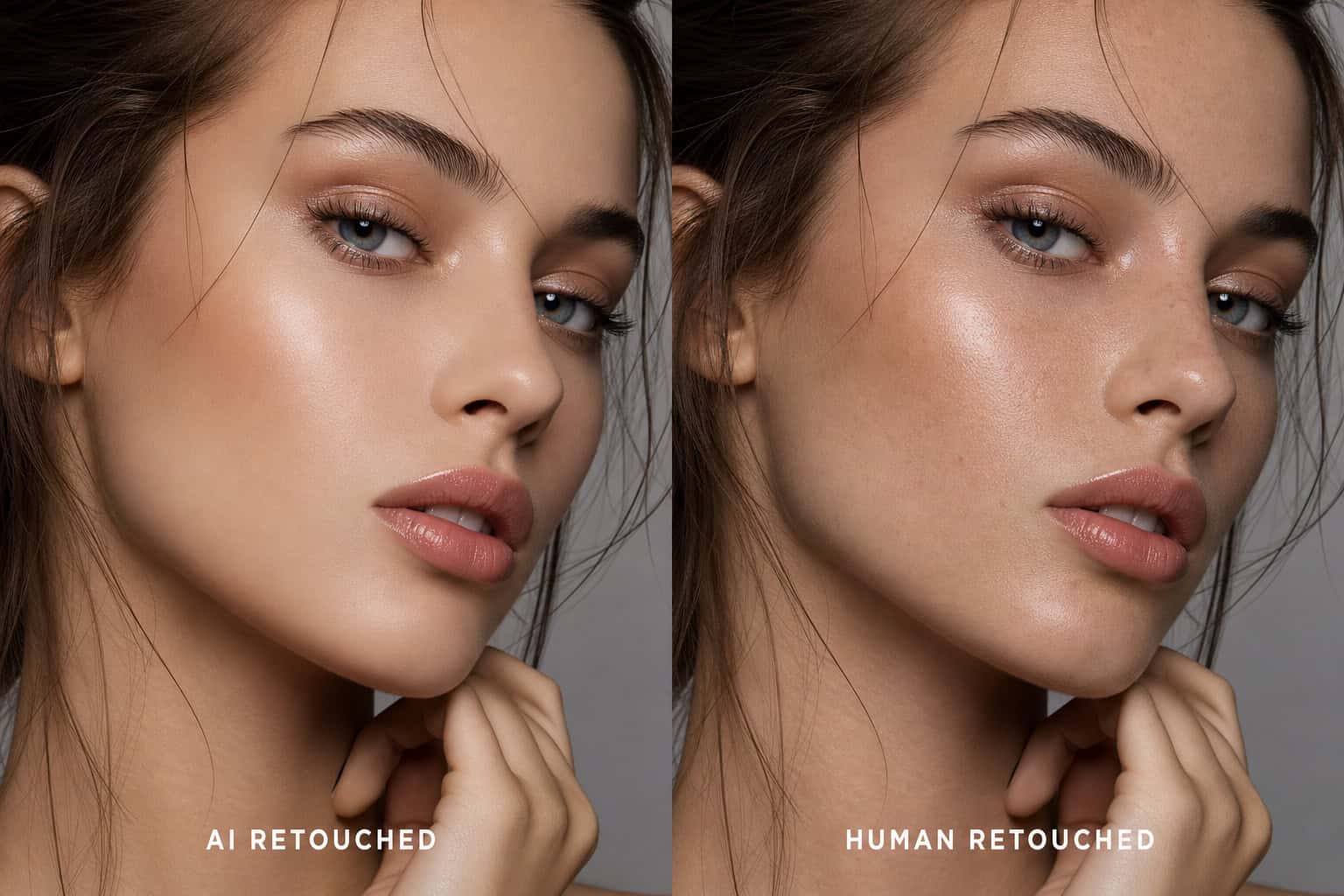
Using real graphic designers means you get nuanced edits that don’t look obviously retouched. An algorithm might smooth your skin into a plastic-looking blur. A person can make it look natural. Human editors can also handle complex tasks like photomontages, object replacement, or editing wedding and newborn photos.
But humans are also variable. Some are better than others. They work at different speeds. And when there’s a queue, you wait.
For a simple filter or a one-click fix, an AI app or even your phone’s built-in editing tools would be faster and more consistent. For a subtle, professional-looking edit where you want the result to look like you—just a better-lit, well-rested version of you—a human editor might justify the wait and the cost.
The question is whether RetouchMe delivers on that promise.

Is RetouchMe Safe? Privacy, Refunds, and Support
On privacy, the company deletes original photos immediately after delivery and does not share images with third parties. They delete your original photo immediately after delivery and promise not to share your images with anyone. They’ve been operating since 2014 and have a real street address in Edinburgh—1 Lochrin Square—which is more than many app-only businesses can say. However, despite this privacy promise, some users (e.g., Victoria) reported unauthorized charges, creating a trust gap.
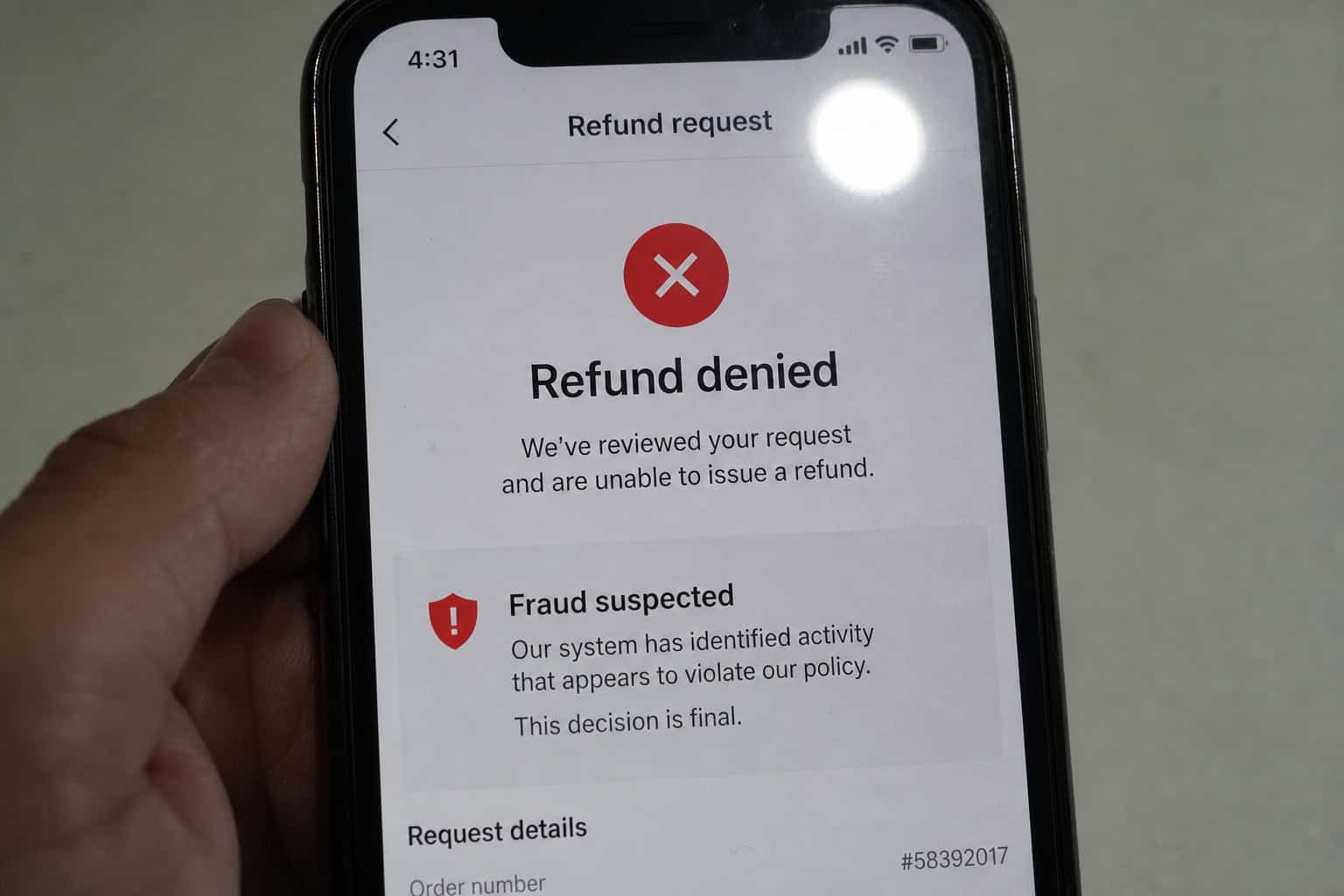
The refund policy states you can get a full refund within 14 days. That sounds straightforward. But user reports including Jørgen Erdahl and Nigel Collins suggest it is not.
Jørgen Erdahl canceled his order five minutes after placing it and was denied a refund. Five minutes. Despite the 14-day policy, customer support accused him of fraud. Nigel Collins was promised a refund by Google but then got ignored entirely.
Customer support is listed as available 24/7, but users including Katie Grey and Victoria describe being ignored or dismissed. Multiple reviewers report being ignored for weeks, receiving dismissive responses, or being accused of cyberbullying when they complained. Katie Grey was told she was being rude for making five re-do requests on the same issue. Victoria’s requests went unanswered for weeks.
What Real Users Say: Trustpilot Reviews and Ratings
The Trustpilot rating lands around 3.7 out of 5 (some snapshots show 3.5). That’s middling. And it’s based on only 39 reviews, which is a small sample size for a company claiming 25 million users.
The positive reviews are positive. Susan Richardson says the app is easy to use and the retouches are great. Patti Lewis calls it “easy peasy for pics” and says it improves colors and lighting. Daphne Cooper reports that the retouches are reliable and realistic. Alexey Sizintsev was satisfied with the speed and quality.
Ddub, Amber Mcgourty, Angie, and Денис Коняхин all left positive reviews. Some people clearly have good experiences.
But the negative reviews paint a different picture. Michelle Kohlmann gave a “major warning”—money taken, poor quality, and a 5–6 hour delay unless you pay the maximum. Anne Hermary rated it one star with the simple summary “so bad.” Liam Bianchini gave three stars and noted “was good…” until features randomly disappeared after several uses.
The pattern across negative reviews includes delays that stretch beyond the promised 10-15 minutes, edits that don’t meet expectations, re-dos that cost extra and don’t fix the problem, refunds that get denied, and customer support that seems designed to wear you down until you give up.
Pros and Cons: A Balanced Summary
So is RetouchMe worth it? I think it depends entirely on what you need and how much patience you have.
Who it might work for: Casual users who want a simple upload-and-done experience and don’t need the photo back quickly. If you’re making a blog header or a holiday card and have a few days to spare, the risk is lower. People who’ve had good experiences tend to be those who aren’t in a hurry.
Who should probably look elsewhere: Anyone who needs fast turnaround. Anyone on a tight budget who can’t afford re-do costs. Professional photographers who need consistent, reliable output. And honestly? Anyone who’s had a bad experience with similar services before and doesn’t want to gamble again.
The app has genuine strengths—real human editors, natural-looking results, a huge range of services, and a privacy policy that actually respects your data. It’s been around for over a decade, which is longer than most apps survive.
But the weaknesses include unpredictable wait times, inconsistent quality, a credit system that obscures what you’re spending, a re-do process that costs more and often doesn’t help, and a refund policy that users say isn’t honored.
RetouchMe isn’t a scam. It’s a legitimate service that works well for some people. But the marketing promises 10-15 minute turnaround and consistent quality that the service doesn’t deliver. If you go in knowing that, and if you have the time and patience to deal with potential delays and re-dos, it might work for you.
If you need a guaranteed result in a guaranteed timeframe? Keep looking.
People Also Ask
How much does RetouchMe cost?
The cheapest edits start around $1, but most useful services cost more. You pay using an in-app ‘stars’ currency that makes it easy to lose track of your actual spending, and a subscription runs about $9.99 per month.
How does the retouch app work?
You download it, pick a photo from your camera roll, choose from hundreds of editing services, and pay with virtual stars. Then a real human graphic designer edits your photo and delivers it back in the app — no AI, no filters.
How long does RetouchMe really take?
The app advertises 10 to 15 minutes, but users report waiting anywhere from 6 hours to 3 days for a single edit. Since human editors work through a queue, the actual turnaround time is unpredictable and often much longer than promised.
Is RetouchMe’s refund policy actually honored?
The company states a 14-day full refund policy, but user reports describe being denied refunds even when canceling within five minutes of placing an order. Customer support has been accused of ignoring requests or accusing users of fraud.