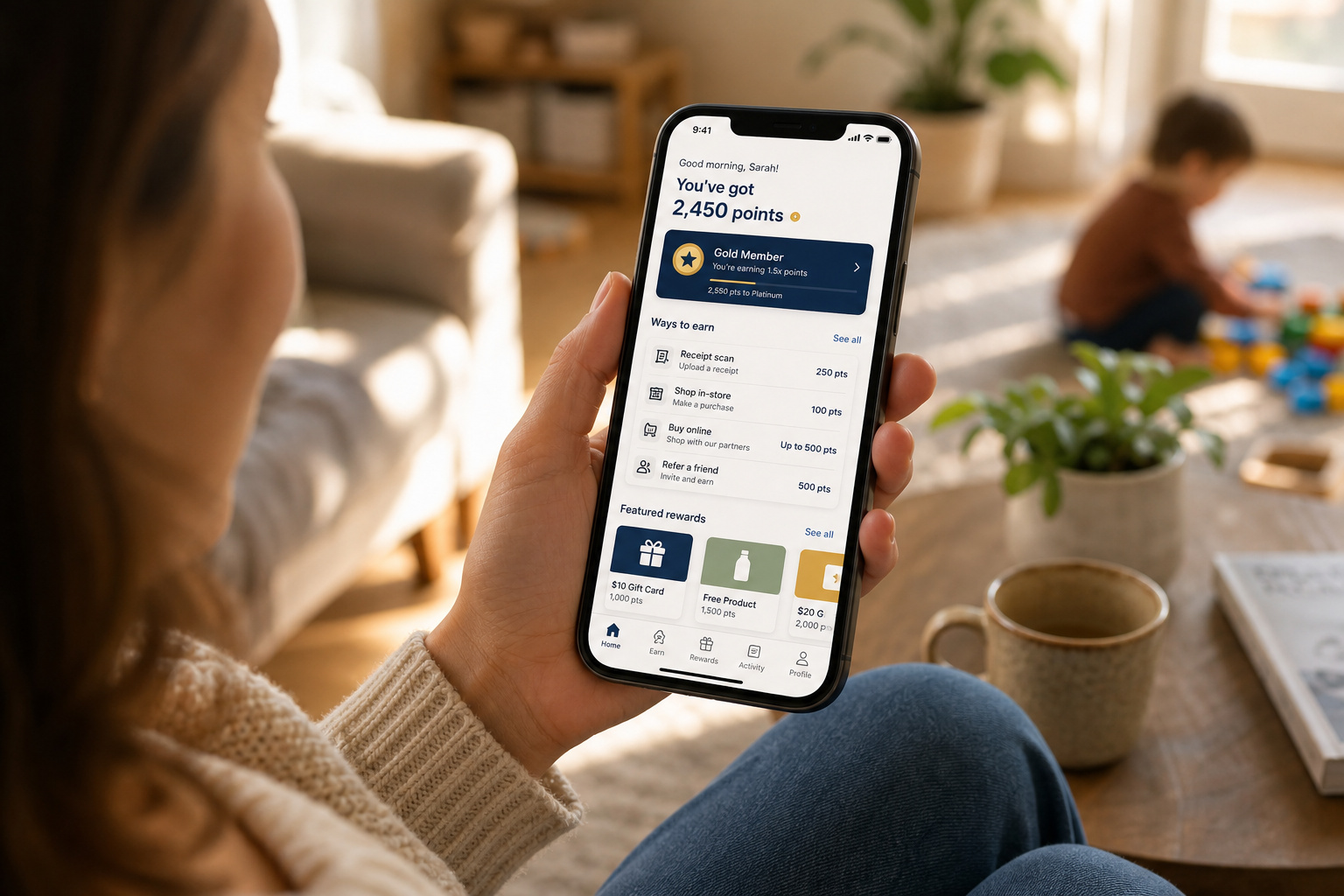
If you’re currently hiding in the pantry eating the good chocolate, or sitting in the carpool lane with exactly ten minutes of peace, you’ve probably searched for quick ways to convert your downtime into extra grocery or coffee funds.
The biggest question most parents have is: KashKick app is it legit? It’s a well-established platform, boasting over 2 million active members and millions of dollars paid out to date. It won’t replace a full-time salary or a primary income, but it’s a legitimate side option if you configure it correctly. Before you download KashKick app files, let’s talk about the ground rules: you must be a U.S. citizen or permanent resident, and you must be at least 18 years old to sign up. If you meet those requirements, this quick guide will show you how to safely install the app and adjust your settings so you get paid for your time.
Key Takeaways
KashKick is a legitimate rewards platform with over 2 million active members, but you must be a U.S. citizen or permanent resident who is at least 18 years old to participate.
Downloading the app directly from official marketplaces like the Apple App Store or Google Play Store is mandatory to prevent security risks associated with modified third-party files.
You’ll need to manually enable device privacy tracking on iOS or turn off “Do Not Track” on Android so your games and tasks actually register for rewards.
Table of Contents
Safely Downloading the Official App on iOS and Android
Grabbing the app shouldn’t be a source of stress for your family’s primary mobile devices. To keep your information safe and avoid malware, download the app directly from your phone’s official marketplace rather than clicking random links on the web.
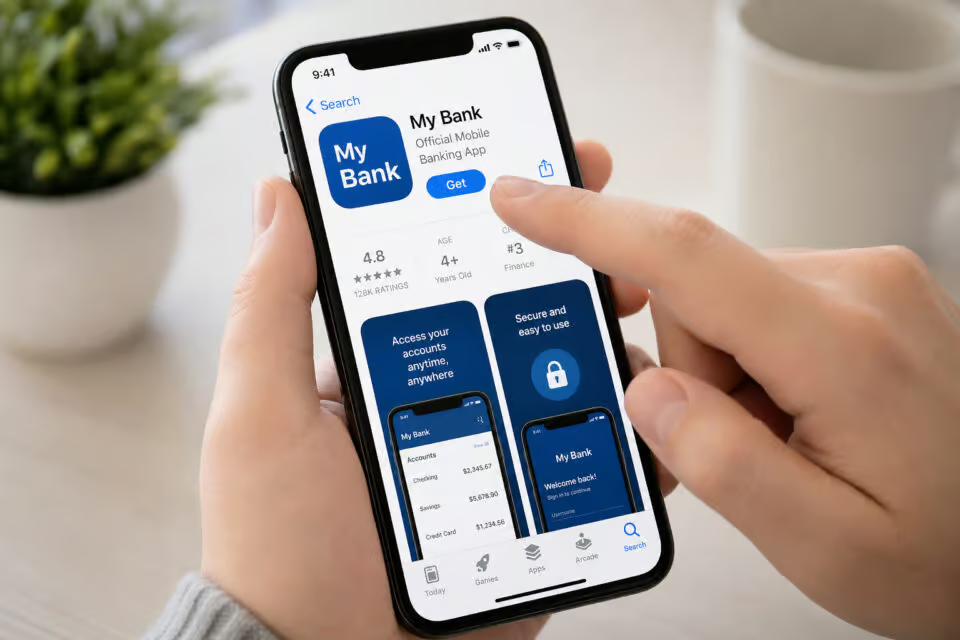
Sticking to official storefronts is the easiest way to avoid unofficial sources and the severe security risks that come with downloading modified files. Plus, native store downloads ensure you automatically receive regular security patches and updates.
How to Download KashKick for iOS (iPhone and iPad)
If you’re ready to learn how to download the KashKick app ios version, the steps are straightforward. You can manage this in the time it takes to toast a waffle:
- Open the native Apple App Store on your device.
- Type “KashKick” into the search bar.
- If you’re curious about user ratings, you can scroll down the store page to see what other parents think.
- Tap “Get” next to the official listing to start your KashKick app download iPhone process.
Just make sure your iOS is up to date so you don’t run into any weird glitches during the install.
How to Download KashKick for Android
For those installing the official KashKick app for Android, you’ll want to take a similar direct store route to keep your phone clean and fast:
- Open the Google Play Store.
- Search for “KashKick” in the search box.
- Select the official application and tap “Install.”
A quick warning: if you’re searching mobile web directories, you’ll likely run across links suggesting a KashKick download APK package. Do not click these. Bypassing the Play Store to sideload unauthorized files triggers system-level security warnings and leaves your device vulnerable to copycat software that can compromise your account.
Setting Up Your Account for Maximum Payout Alignment
With the app safely installed to help you explore hobbies that make money, your next task is to create your profile and set up your KashKick com login credentials.
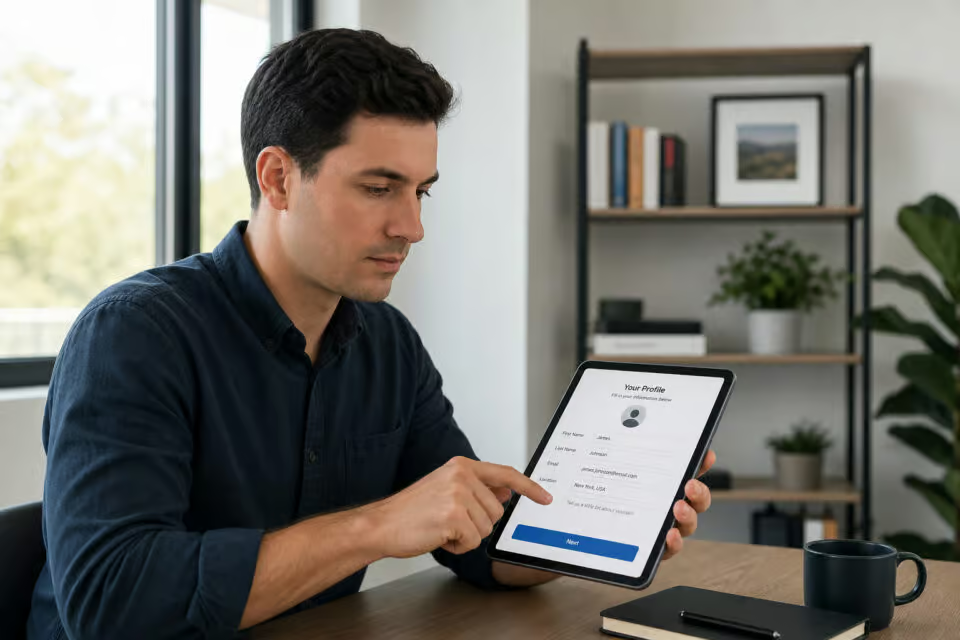
During the initial KashKick sign up process, you’ll enter an active email address and choose a password you won’t immediately forget. Once inside, you’ll be prompted to fill out a demographic profile questionnaire. Many people rush through these surveys using fake placeholder details, but doing so hurts your earning potential.
Survey sponsors specifically target highly precise household demographics. Ensuring profile accuracy is the secret to unlocking access to premium, highly matched personalized offers that generic profiles never see. Authentic profile details also protect you from system compliance scans, which look for inconsistencies and can temporarily freeze your rewards when you try to cash out.
Configuration Settings: Getting Your Hardware Ready to Track
Before you launch any tasks, we have to look at your device settings. If device tracking permissions are disabled, partner networks cannot verify your progress, preventing reward attribution.
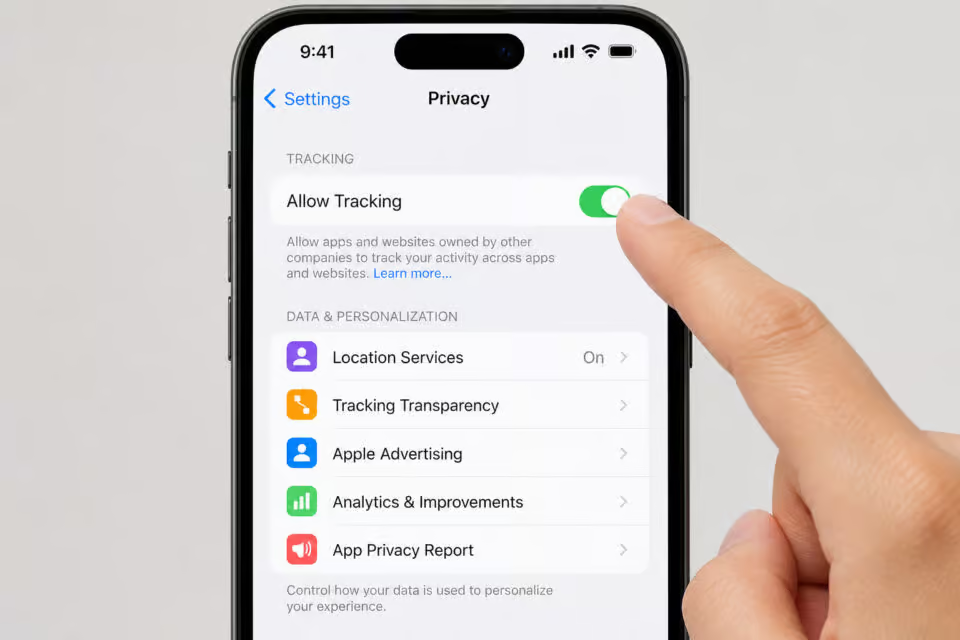
To prevent this, you have to think of privacy permissions as a digital invoice. When you play KashKick games or take surveys, the partner networks need to verify your progress. Enabling system-level device tracking is the only reliable way to guarantee correct reward attribution. If your device privacy toggles remain locked down, the app can’t prove you completed the activity, and you won’t get credited.
Enabling Tracking Permissions on iOS
Configuring tracking on your iPhone or iPad takes less than a minute. Just follow this menu path:
- Open your device Settings.
- Scroll down and tap on Privacy (or Privacy & Security).
- Select the Tracking menu.
- Toggle on Allow Apps to Request to Track.
The next time you open the app, tap “Allow” when it asks to track your activity.
Disabling “Do Not Track” Restrictions on Android
If you’re on an Android phone, you need to verify one key privacy setting to keep your progress reporting cleanly:
- Open your Settings app.
- Navigate to Privacy.
- Locate the Do Not Track option.
- Ensure the “Do Not Track” request is switched off.
Platform Safety, Legitimacy, and Payout Options
The company employs trusted data encryption measures to secure your personal statistics and has clear policies against selling your information to third-party companies. Furthermore, they route all transactions through secure payment partners like PayPal and Venmo so you never have to link your physical routing or credit card numbers to your account profile.

Refer to the Federal Trade Commission for scam awareness and security guidance. A key takeaway from the FTC is to watch out for upfront fees. Legitimate reward apps are free-to-use with no setup costs, monthly maintenance fees, or hidden membership fees.
PRO Tips: The $10 Sandbox Test
- Set up your app and configuration permissions.
- Complete your profile and run a few initial games or surveys.
- Once you hit the $10 minimum threshold, trigger a cash-out immediately.
- Verify that the funds land safely in your PayPal or Venmo account.
This simple test confirms that your device’s tracking settings and payment paths are perfectly synced before you decide to spend more your quiet time on higher-value activities.
Managing the App: Tracking Latency, Network Tools, and Settings
Here’s how to handle things if tracking seems a bit slow or if your network is being difficult.
Understanding Tracking Delays and Verification
When you finish a task, don’t panic if your balance doesn’t jump instantly. It goes through a verification process first, which can take anywhere from an hour up to a few business days depending on the network.
Beware of VPNs and Smart Home Network Blockers
If you run active Virtual Private Networks (VPNs), custom proxy settings, or aggressive ad-blockers on your home network, they can disconnect your tracking data. Because these apps hide your device info, they basically block the connection between your phone and the rewards platform. Just turn them off while you’re using the app so you don’t miss out on those credits.
Hardware Permissions and Platform Fees
Using the app is free of charge, and there are no penalty fees for inactive profiles. As for device permissions, the app only asks for standard background access and optional notifications. It’s smart to leave notifications enabled, as they’ll alert you to high-paying, time-sensitive offers before they expire.
Frequently Asked Questions
Does KashKick really pay you?
Yes, it is a legitimate platform that has paid out millions of dollars to its members to date. While it is a reliable way to earn extra money, it is important to remember that it is designed as a side option rather than a replacement for primary income.
Is the KashKick app free?
The platform is completely free to use. There are no setup costs, monthly maintenance fees, or hidden membership charges required to participate.
How do I withdraw money from KashKick?
You can securely receive funds through payment partners like PayPal and Venmo. This method keeps your earnings safe without requiring you to link your private bank routing or credit card numbers directly to your profile.
Why didn’t I get paid for a task I completed?
This usually happens because device privacy tracking is disabled, preventing the network from verifying your progress. Ensure that device tracking is permitted in your iOS settings or that the ‘Do Not Track’ feature is turned off on Android to ensure your activities are properly credited.
Can I use a VPN while using KashKick?
No, you should turn off any active VPNs, proxies, or aggressive ad-blockers while using the app. These tools hide your device information and block the connection needed for the platform to verify your activity and issue rewards.
Why does my profile survey matter for earning rewards?
Filling out your demographic profile accurately is the key to unlocking premium, personalized offers. Sponsors use this data to target specific households, and providing placeholder or fake information ensures you only see generic, lower-value opportunities.
How long does it take for my rewards to show up?
Earnings are not always instantaneous because every completed task must first clear a verification process. Depending on the specific network, this can take anywhere from one hour to a few business days.
Are ‘KashKick’ APK downloads from the web safe?
You should never download unofficial APK files, as they often contain copycat software that can compromise your account. Always install the app directly from the official Apple App Store or Google Play Store to ensure you have the secure, verified version.