
If you are trying to figure out if Word-2-Kindle is worth your money to format your self-published book, the short answer is yes—especially if you have been getting rejected by retailer platforms for unreadable layouts. This guide breaks down the actual costs, the realistic delivery timelines, and what past customers have actually experienced when handing their manuscripts over to this agency. Here at Tidbits of Experience, we have learned that sometimes the most valuable thing a parent or busy writer can do is simply outsource the most frustrating technical tasks.
Manual formatting acts as an insurance policy against one-star reviews caused by broken text. It ensures you can actually launch your book instead of spending another three weeks fighting with upload dimensions and static page breaks in your interior layout. Let’s look at how their specific services hold up.
Key Takeaways
The pricing strictly depends on manuscript complexity, starting at $49.00 for standard novels under 400 pages with minimal images.
The company provides a guaranteed 48-hour delivery timeline for a fully formatted file, followed by a two-week free revision window.
The delivered output includes both the exact Mobi format and ePub files to ensure the layout functions properly across multiple digital storefronts.
Table of Contents
Word-2-Kindle review: Is it the right formatting service for your book?
Engaging with a specific, named project manager immediately eliminates the anxiety of automated formatting rejections for first-time publishers. When you are totally overwhelmed by the technical reality of Self Publishing, having an actual person to email makes a massive difference.
Last year, I finally got around to finishing a book I had been working on for many years, and I desperately needed help formatting and preparing it for publication. The technical hurdle felt honestly paralyzing. After a lot of late-night research, I settled on an agency called Word 2 Kindle because the reviews were universally positive. More importantly, the owner, Nick Caya, actually sounded friendly and approachable rather than just acting like a faceless corporate bot. Thankfully, that hands-on support was the reality, and I am now a published author.
While friendly service is wonderful when you are stressed, it is only valuable if the company actually delivers on its promises to get your book legally listed. You need files that work perfectly the first time.

Is Word-2-Kindle a legitimate book formatting company?
You can verify the credibility of the agency by looking at their documented track record of manually formatting over 1,000 successful ebook titles since 2013. Word-2-Kindle is a highly legitimate book formatting company, not a vanity scam.
Real-world author testimonials
Real authors are actively selling books across major retailers right now using files hand-coded by this specific team. The company’s testimonial page features deeply positive feedback from published authors like Sue Anne Dunlevie, who publicly endorsed the quality of their layout work.
When you scour through customer experiences, you notice a recurring theme. People often show up at their virtual door desperate and frustrated after wasting money on cheap gig-economy freelancers. They hand over a botched manuscript, and the team turns it around quickly into a functional file. That established history provides genuine peace of mind when you are handing over a manuscript you have nurtured for years.
The gap between DIY and professional services
Professional manual formatting is an absolute necessity because it serves as your primary defense against bad reviews caused by broken digital layouts. Automated, one-click converters almost always fail to handle the unpredictable screen sizes readers actually use.
Readers consume books on vastly different hardware platforms, from their smartphone to an iPad, an Android tablet, or dedicated e-readers. If you try to format your ebook yourself without knowing the background code, your sentences will randomly cut off in the middle of a screen. Paying for professional formatting is far cheaper than the lost sales you will suffer when angry readers complain about botched typography. Hand-coded files flex naturally.
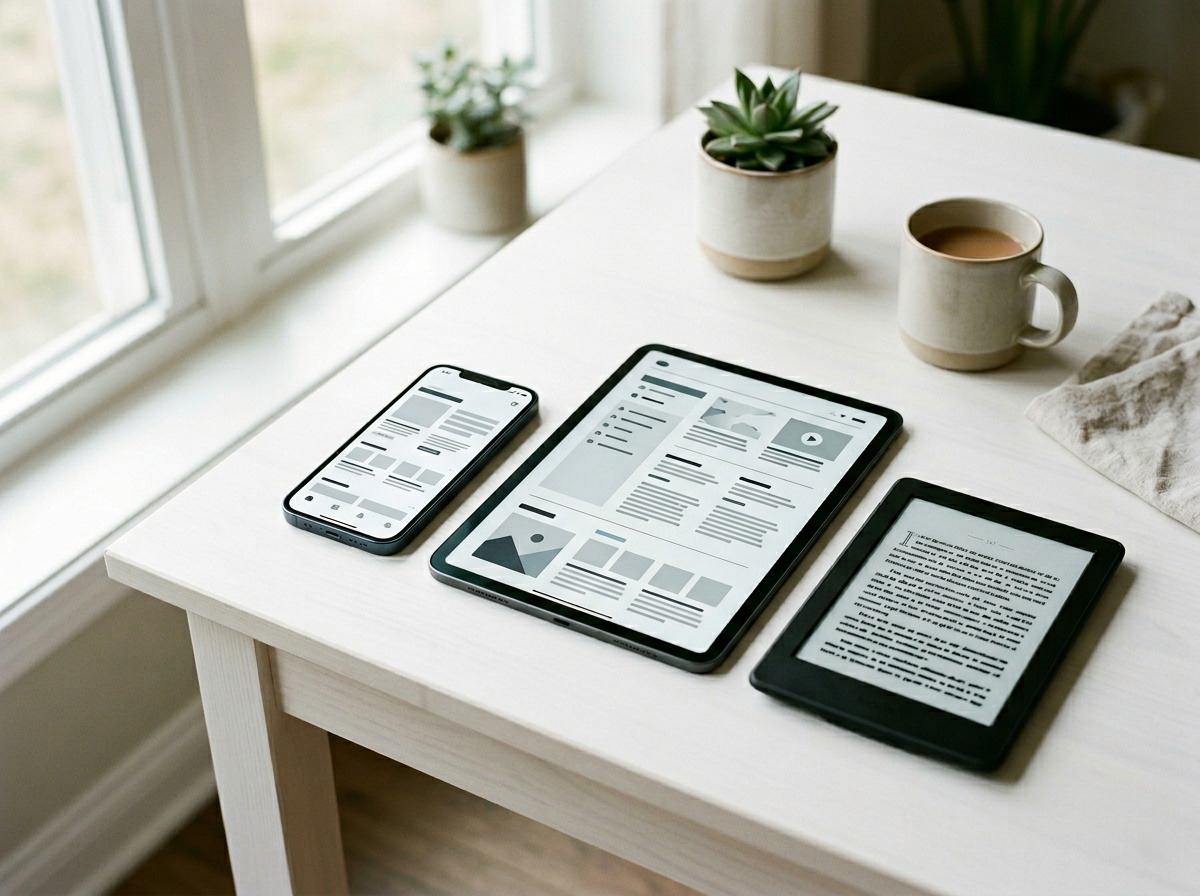
“Paying for professional formatting is far cheaper than the lost sales you will suffer when angry readers complain about botched typography.”
Bypassing platform gatekeepers with professional formatting
Authors can confidently upload the provided digital files to major storefronts knowing the internal navigation structure meets strict platform compliance checks. Using a professional service guarantees that your files will pass the automated gatekeepers without triggering persistent dimension errors.
Constructing core metadata and tagging
The exact reason a raw text document gets rejected online is that it lacks the structural architecture retailers absolutely require. Professional formatting builds in the necessary background elements, like a clickable table of contents and proper chapter tagging, so readers can easily navigate the text.
Without those specific digital markers, your file is just a giant wall of messy words. A hand-coded interior is what allows you to bypass the stringent Amazon KDP guidelines and achieve instant acceptance on your first upload attempt. You cannot skip these steps. If you try to force a regular text file into the system, the platform simply spits it right back out and blocks your launch entirely.
Delivering multi-platform file formats
You need multiple versions of your finished file to successfully blanket the entire online retail market. Professional deliverable packages give you the exact file extensions required by different massive digital storefronts to ensure widespread availability.
The agency provides both the native Mobi format and ePub files, which guarantees a flexible layout that instantly adapts to whatever screen or Kindle device the reader happens to be holding. Having both file types in hand means you are completely ready to upload your novel to Smashwords, Kobo, or Amazon without worrying about compatibility issues. Different retailers demand different technical specs. Trying to convert a single file back and forth yourself usually introduces completely new typos and broken page breaks right before launch.
Word-2-Kindle pricing breakdown: From basic to complex
You can calculate initial budget expectations accurately by determining whether your manuscript falls under the 400-page threshold before requesting a quote. The book editing and formatting services at Word-2-Kindle start at a flat $49, but the final cost scales directly based on the complexity of your text. To qualify for the affordable $49 baseline rate, your manuscript must be a clean text document that falls strictly under 400 pages with a maximum of five images.
The agency draws a very hard line between a standard novel and anything requiring complex formatting like dense charts. If you just have a straightforward story written in Microsoft Word, the flat rate applies seamlessly and saves you quite a bit of money. It is a highly practical pricing model for standard fiction writers.
However, you need to count your photos carefully. If you attempt to sneak twenty family photos into a standard biography, the team will re-quote your project at their higher, custom per-page billing rate.
Budgeting for print and image-heavy manuscripts
Heavier layouts shift completely onto a per-page pricing model, typically running between $0.50 and $1.00 per page for detailed graphic layouts. Fixed layout formats for heavily illustrated children’s books naturally demand more intense, manual coding work.
The agency also offers extremely practical bundles designed specifically for authors who want physical copies in their hands. They feature a specific Book Scanning service that pairs perfectly with formatting for CreateSpace, allowing you to turn a dusty old physical book into a functional digital file. If you are aiming for the Nook or wanting a paperback to hand to your relatives, setting aside around $299 for the full print bundle makes the most financial sense.
Beyond formatting and print conversions, you can also invest in developmental editing and copyediting add-on options to polish your actual prose. Incorporating these comprehensive editing services ensures your manuscript is structurally sound and free of embarrassing typos before it ever reaches the layout phase.
The 48-hour delivery timeline and revision process
You must load your returned proof files into a testing environment immediately to locate any issues within the initial two-week free revision window. The agency guarantees a fast turnaround timeframe, but you are responsible for testing the work once the files arrive.
Executing QA within the warranty window
Every single author must sit down with the 48-hour delivery and personally check the returned files before hitting the publish button on their dashboard. It sounds perfectly fast to get your book back in two days, but the clock immediately starts ticking on your free revisions window.
The unlimited revisions policy is brilliant, provided you open your files immediately and test them on the Kindle Previewer software to catch any lingering problems yourself. If you wait three weeks to actually review the file, you will be hit with a flat $19 late modification fee. Use the tools provided, run the previewer over every single chapter, and send your edits back well within that 14-day safety net to save cash.
Evaluating expected book cover design quality
When searching for what past customers say about the quality of Word 2 Kindle’s cover design and formatting, reviews consistently suggest upgrading from the base tier to their premium custom designs. While clients praise the interior layouts, many note that the free basic cover inclusions can feel too simplistic for a commercial launch. Authors must prioritize premium cover manipulation to ensure their primary marketing asset reads clearly when shrunk down on crowded retail storefronts like Apple Books. While the base rate is nice, a terrible cover design can genuinely sink a strong book.
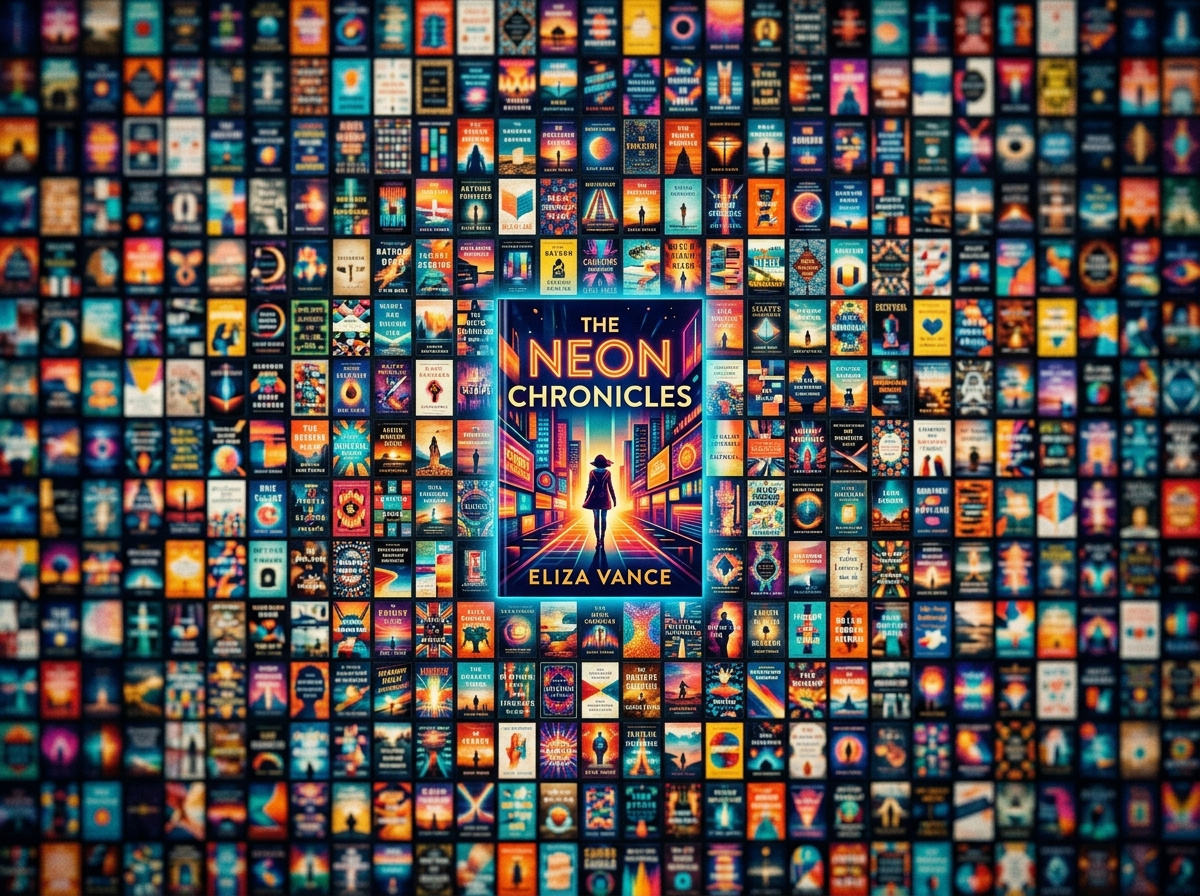
A free basic cover design might actually hurt your sales if it just looks like an obvious stock image pasted over a white background. When users scroll endlessly, the book cover gets reduced to a tiny thumbnail on online retailers, and that microscopic piece of screen real estate must perform perfectly. You desperately need a premium custom layout that uses real photo manipulation for $99 or $199. Investing in an exterior visual that pops is essentially a mandatory marketing expense in the current publishing environment.
Word-2-Kindle review verdict: Pros, cons, and next steps
Trade the absolute frustration of wrestling with static PDF exports for a professionally hand-coded service if standard text layout is preventing a finalized book launch. Whether this agency is right for you depends entirely on what your specific manuscript actually looks like.
Summary of pros and cons
The strongest advantage of this agency is the massive relief of handing off frustrating file formatting to experts who guarantee instant platform acceptance. The human support available when you are stuck behind a technical wall is invaluable for anxious authors navigating Self Publishing.
On the downside, authors writing intensely visual cookbooks or heavy non-fiction will face a very steep price hike with the per-page billing structure. Additionally, the $19 late revision fee can sneak up on people who forget to check their files right away. But honestly, compared to fighting with a broken PDF file at two in the morning, the flat-rate fees are a phenomenal bargain for standard authors.
Who should hire this agency
If you are a first-time independent author sitting on a finished, standard text novel and have no idea how digital files work, this service is exactly for you. You should immediately hire them to avoid the headache of technical rejections.
However, if you are a technically proficient author who enjoys tweaking HTML padding lines yourself, you might not require the manual oversight. For the vast majority of us who just want our stories out in the world, paying a flat rate to a dedicated professional is the fastest, safest way to see your name in print. Stop fighting the software and use the service.
Frequently Asked Questions
How much does Word-2-Kindle actually cost for a standard book?
Formatting starts at a wildly affordable $49 flat rate, provided your manuscript is a standard text document under 400 pages with five or fewer images. However, if you submit an image-heavy children’s book, dense non-fiction, or an intense cookbook, the flat rate vanishes. Heavier layouts trigger a custom per-page billing model that typically runs between $0.50 and $1.00 per page.
What’s the difference between using Word-2-Kindle and a free automated layout converter?
Automated, one-click converters routinely strip out essential background code, causing random line breaks and immediate retailer rejections. Word-2-Kindle manually hand-codes the interior files so your layout flexes perfectly, regardless of whether a reader is using a smartphone, a tablet, or a dedicated e-reader. Paying for manual coding is essentially an insurance policy against one-star reviews written by readers frustrated with broken typography.
What specific file formats does the agency actually deliver?
You will receive both the native Mobi format and ePub files. Having both extensions allows your internal navigation to instantly adapt to whatever hardware your reader is using. This dual-format delivery is exactly what lets you cleanly bypass automated gatekeepers and blanket major storefronts like Smashwords, Kobo, and Amazon KDP.
Can I request changes if I spot a formatting error in the delivered file?
Yes, but you are confined to a strict 14-day window to test the files and request unlimited free revisions. You must load the proof into Kindle Previewer immediately to hunt down any lingering HTML issues yourself. If you drag your feet and wait until week three to ask for a tweak, you will be slapped with a $19 late modification fee.
Is Word-2-Kindle’s free basic cover design valid for a commercial launch?
Honestly, no, because it often ends up looking like an obvious stock image pasted onto a blank white background. Bare-bones covers actively hurt your bottom line by failing to grab attention when shrunk down to a microscopic thumbnail on digital retailers. You should ignore the freebie and budget $99 to $199 for their premium custom manipulation tier so your cover actually pops.
Why does Amazon KDP reject raw plain text or Word documents?
Raw text documents lack the invisible structural architecture, like proper chapter tagging and a clickable table of contents, that retail platforms strictly require. If you try to force a messy file into the system, KDP will simply spit it back out over persistent dimension errors and stall your launch. A hand-coded interior embeds those necessary digital markers so you achieve instant acceptance on your first upload attempt.