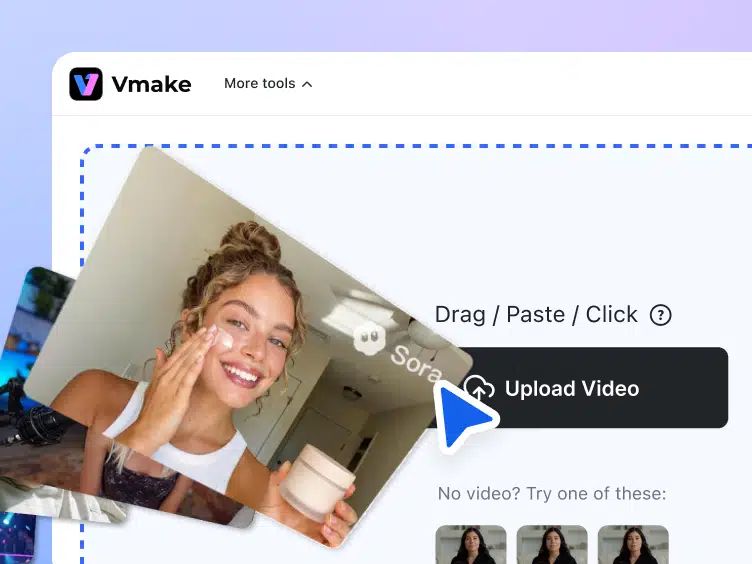
Few things are more frustrating than capturing the perfect footage of your kids playing basketball, only to find the school has baked a massive, obtrusive logo right into the frame. Basic blurring tools ruin personal memories by leaving a smeared digital smudge across the screen. If you are reading a Vmake AI Video Watermark Remover review, you want to know if AI background reconstruction can actually save your family sports videos without destroying the image quality.
I have been using Vmake agent tools for years, but testing their watermark remover on my kids’ school footage reframed exactly what I expect from consumer software. Instead of a messy blur, the tool mathematically rebuilds the scene hiding behind the logo. It holds a 4.5/5 rating on Trustpilot and a 5.0/5 rating on Product Hunt. But assessing the true value of a tool like this requires looking past the ratings and testing how it handles chaotic movement.
Table of Contents
How natural reconstruction beats traditional blur tools
Most users assume watermark removers just blur pixels together to hide the offending text. Vmake actually hallucinates missing background data based on surrounding temporal frames to “heal” the video. This distinction matters. It is the difference between applying a cheap visual filter and performing a surgical pixel replacement.
“It is the difference between applying a cheap visual filter and performing a surgical pixel replacement.”
At the core of this system is a proprietary detection model called Nano Banana 2. Nano Banana is the proprietary AI model directly linked to the processing consistency required for massive batch jobs, ensuring reliable, high-speed output.

You cannot rebuild the background convincingly unless the AI first mathematically separates the subject from the area being healed. Foreground isolation is the algorithmic process of severing a dynamic subject from the specific background layer that needs repair. When my kid ran across the court right over that embedded school logo, natural reconstruction kicked in silently behind the isolated foreground element.
Ghost outlines and temporal flicker are the two most common fail-states of cheap watermark removers that high-end AI explicitly tries to solve. By maintaining stability frame over frame, the footage remains entirely usable. Whether you need a clean base clip to run through a free video enhancer to pull shadow detail from the bleachers, or you plan on passing it to a video upscaler for 4K television viewing, starting with an artifact-free foundation is non-negotiable.
Testing the Vmake AI video watermark remover on fast motion
The true test of a watermark tool is not a static logo pinned to a still shot. The true test is how it handles erratic camera shake and fast-moving subjects crossing aggressively over the watermark. My basketball footage was loud, shaky, and full of overlapping players wearing brightly colored jerseys.
Tracking is the specific AI mechanism required to eliminate watermarks that move across the screen without leaving visual artifacts. In my testing, smart tracking kept dynamic watermarks cleanly scrubbed even as the camera panned violently across the gym to follow the ball. The AI detected the edges of the intrusive graphic—even on slightly transparent overlays—and continuously lifted it out.
Automated AI sometimes fails on edge cases where contrast is poor. Manual precision is the required fallback for detailed overlapping graphics, letting you establish exact erase/protect zones in the interface. When a chaotic jersey number briefly blended into the corner of the school logo, defining a strict protect zone kept the numbers sharp while the background healed effortlessly.
Generative watermarks baked into synthetic content are distinct, sometimes complex marks that require specialized pathways to detect and remove cleanly. Vmake has built direct Sora and Kling detection pathways (as well as specific Gemini targeting) to scrub those distinct visual tags just as easily as it handles static school logos.
Deleting background clutter and baked-in subtitles
A high-end watermark remover is actually a full localized object-eraser. Buying it for watermarks gives you a software suite fully capable of entirely recomposing a scene.
The underlying technology that cleanly pulls a school logo off a hardwood basketball court is the exact same tech used to strip baked-in TikTok subtitles and irritating promo text from downloaded clips. As a parent, you quickly realize the broader utility of localized object erasing. You can clean up the background of a perfect family vacation shot by scrubbing out wandering strangers. You can remove unwanted props, dropped coats, or visual clutter trailing through your baby’s first steps video. It transforms messy, candid moments into “cleared set” quality footage. Furthermore, educators can utilize the software to strip distracting badges or pop-ups from archival lesson footage, maintaining student focus on the core material.
For commercial users, the implications are entirely financial. Removing watermarks at scale via a batch pipeline is the prerequisite mechanism for asset repurposing across multiple ad channels. Marketing agencies can strip old branding, localized text, and outdated promo stickers from archived assets without reopening core editing files.
The reality of the free tier and export pricing
The platform markets itself around the word “free,” but the landing page lacks transparency regarding the exact cost structure required after testing. Vmake AI operates on a strict freemium model. Your free access is limited to a 5-second preview download for evaluation purposes; full HD exports require paid credits.
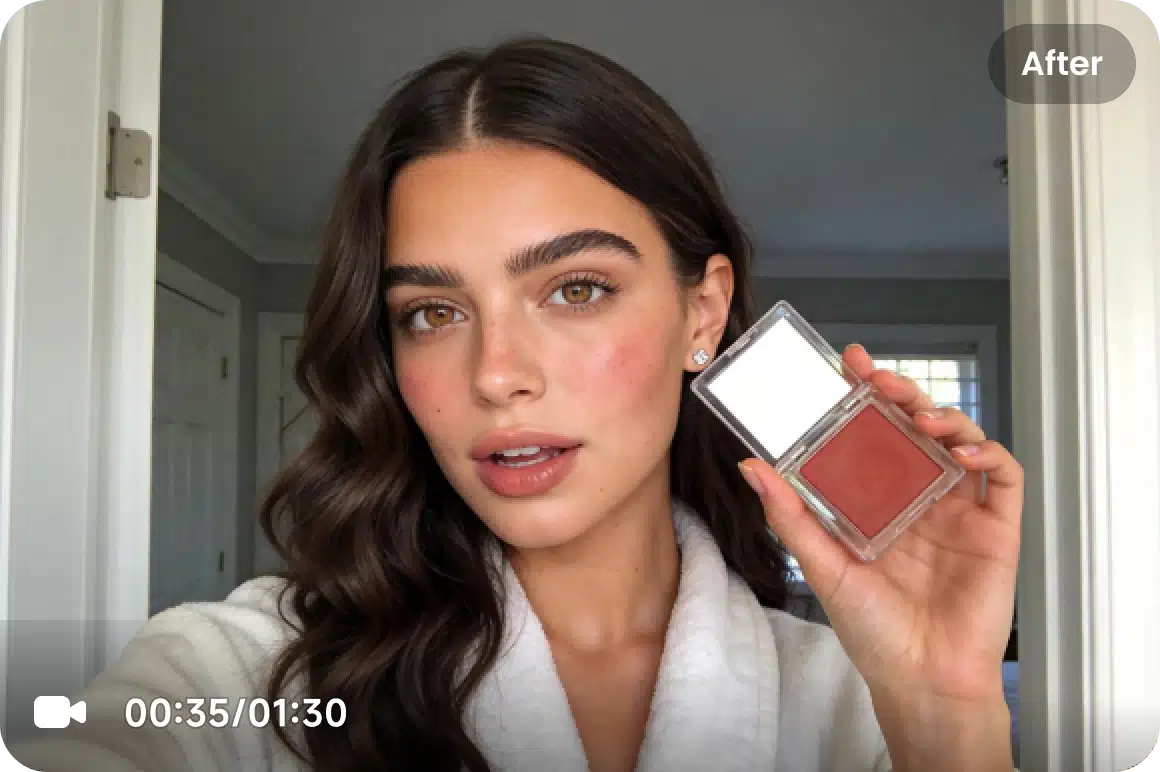
The 5-second free preview is actually a brilliant consumer protection feature. It forces the AI to prove it can handle your specific camera shake and complex motion before you spend a dime. By isolating the most chaotic five seconds of a basketball game—the crossover, the pass, the shot—you know definitively if the algorithm works on your footage. If it fails, you walk away completely free.
If it works, power users can lean into the software’s server capacity by generating up to 30 videos simultaneously.
Privacy remains the biggest barrier for parents handling sensitive footage of their children. Zero-retention and encrypted uploads combine to form the core privacy guarantee, assuring users that personal footage is strictly siloed and never used to train public AI models. Vmake encrypts processing uploads and deletes the source assets immediately upon completion.
Final verdict and pros vs. cons summary
True archival preservation justifies the transition from simple blurring utilities to premium AI reconstruction. Let us summarize the final buying decision.
Pros:
- Flawless tracking on moving geometry.
- Natural background reconstruction that avoids pixel smudging.
- Massive time savings for marketers needing bulk asset cleanup.
- Strong zero-retention privacy standards.
- Accessible via web portal or the dedicated Vmake app available on Apple and Google storefronts.
Cons:
- Opaque credit pricing kicks in entirely after the 5-second trial.
- Requires a strong, consistent internet connection as cloud processing handles the heavy lifting.
The Vmake AI Video Watermark Remover is a vital utility for high-end digital marketers and an absolute requirement for parents who refuse to let institutional branding degrade their digital history. The time saved by AI over spending hours manually rotoscoping or masking frames makes it invaluable. Open your most chaotic, shaky piece of family footage and feed the hardest five seconds into the free preview tier. The reconstructed output speaks for itself.
Frequently Asked Questions
What’s the difference between standard watermark removers and Vmake’s AI tool?
Standard tools just blur the pixels over a logo, leaving an ugly, smeared smudge permanently burned into your video. Vmake actually reconstructs the missing background by pulling data from surrounding frames to surgically heal the footage. It mathematically separates the foreground subject from the background so the removed area looks entirely unedited.
How does Vmake handle fast-moving subjects or aggressive camera shake?
The tool uses foreground isolation to algorithmically tear dynamic subjects away from the background layer that needs repairing. Combined with smart tracking, the AI actively scrubs the logo without leaving ghost outlines, even during violent camera pans. If the automated AI struggles with low contrast, you can set manual protect zones to ensure overlapping elements stay razor-sharp.
Can I use the watermark remover to delete background clutter or baked-in subtitles?
Absolutely. Because high-end watermark removal defaults to full localized object erasing, the exact same technology can strip hardcoded TikTok subtitles, promo text, or wandering strangers from your shot. It legitimately doubles as a scene-cleanup utility, letting you salvage messy candid clips by scrubbing out unwanted props and visual garbage.
What is Nano Banana 2, and can it handle AI-generated synthetic watermarks?
Nano Banana 2 is Vmake’s proprietary background detection and reconstruction model built to ensure consistent processing for massive batch jobs. It features dedicated detection pathways designed specifically to recognize and cleanly scrub the complex synthetic watermarks baked into Sora, Kling, and Gemini outputs.
How much does Vmake actually cost, and is it legitimately free?
Vmake operates on a strict freemium model with somewhat opaque credit pricing, despite heavily marketing the word “free.” Your free access is limited to a 5-second preview download, which serves to prove the AI can actually handle your footage’s motion before you open your wallet. If you want the full HD export, you have to pony up for paid credits.
Is it completely safe to upload personal family videos to Vmake’s cloud servers?
Yes, the tool relies on a strict zero-retention privacy policy to protect sensitive footage. Uploads are fully encrypted during the cloud processing phase, and Vmake immediately deletes your source assets once the render finishes. Your personal videos are heavily siloed and never retained to train public AI models.